E-Challan Status 2026 – Pay & Track in One Click
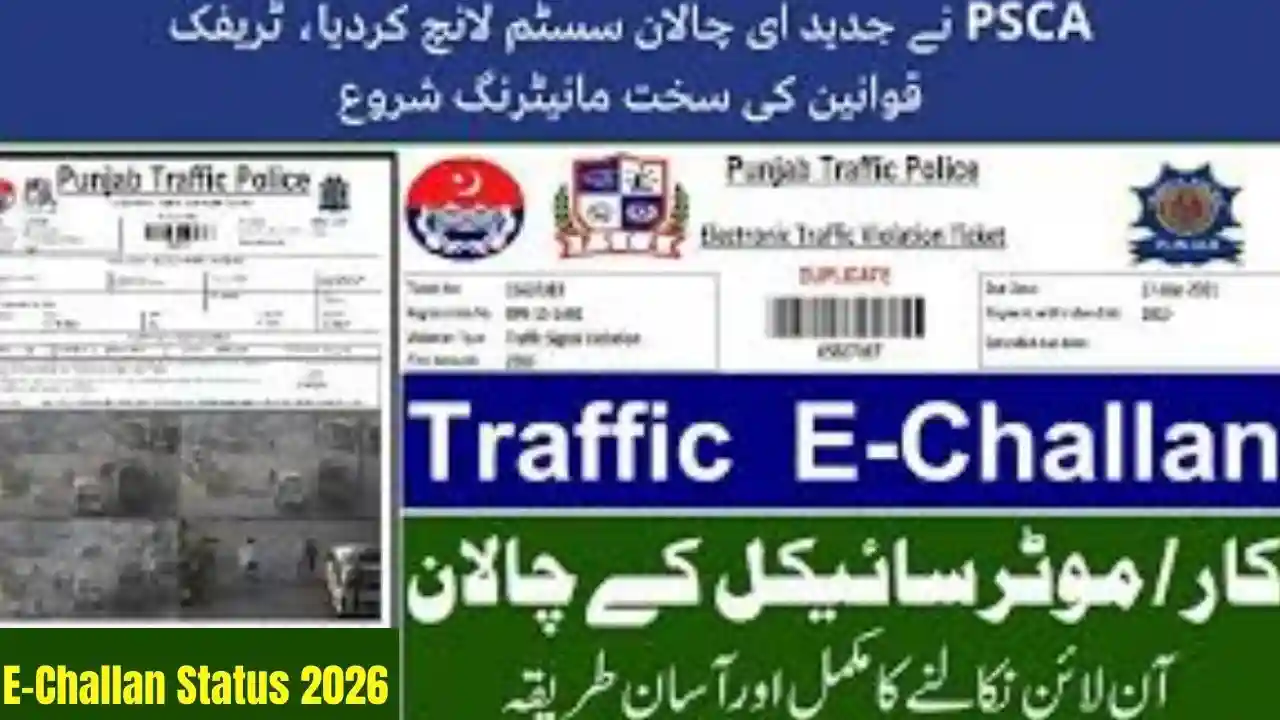
The E-Challan Status system in Pakistan has become faster, smarter, and fully integrated with Safe City cameras across Punjab, Sindh, Islamabad, and KPK. Citizens can now check, verify, download, and pay e challan traffic fines in one click using their vehicle number or CNIC. The aim is to make traffic enforcement more transparent and reduce delays, data errors, and late-payment penalties.
What Is E-Challan Status 2026?
E-Challan Status 2026 refers to the upgraded digital traffic fine system that allows citizens to:
- Check e-challan online
- View violation details with images
- Download digital challan slips
- Pay fines via online banking or mobile apps
- Track payment status instantly
These updates are powered by ANPR cameras, Safe City control rooms, and automated plate-recognition systems.

How to Check E-Challan Status 2026 Online in One Click
You can check your challan using:
- Vehicle registration number
- CNIC number
- Chassis / engine number (where required)
1. Punjab – Lahore, Rawalpindi, Faisalabad, Multan
Visit: PSCA E-Challan Portal
Enter:
✔ Vehicle Number
✔ CNIC (optional)
Click Search to view challan details, violation images, fine amount, and due date.
2. Sindh – Karachi, Hyderabad, Sukkur
Visit: Sindh Traffic Police E-Challan System
Enter:
✔ Registration number
✔ CNIC
Download the challan or pay through the listed online channels.
3. Islamabad – Safe City E-Challan
Visit: ICT Police E-Challan Portal
Enter:
✔ Vehicle Number
✔ CNIC
You can also verify payment status instantly.
4. KPK – Peshawar Safe City
Visit: KP Police Digital Challan Portal
Enter:
✔ Vehicle number
✔ CNIC
View all pending fines and download payment slips.

How to Pay E-Challan Online in 2026
You can pay your challan through:
✔ JazzCash
Go to: Traffic → E-Challan → Enter Challan Number → Pay
✔ Easypaisa
Choose: Payments → Traffic Challan → Enter Details → Pay
✔ Online Banking (Any Bank Mobile App)
Select: Government / Traffic → Enter Challan ID → Confirm Payment
✔ ATM Payment
Go to Bill Payment → Traffic Challan → Enter Number → Pay
Once payment is completed, your E-Challan Status 2026 updates within minutes.

Why You Should Check E-Challan Regularly in 2026
- Avoid late fees
- Prevent your CNIC from being flagged
- Resolve wrong challan entries
- Ensure your vehicle record stays clean
- Avoid issues during resale or token tax renewal
The digital system records every violation within seconds, so regular checks help you stay updated.

Common Traffic Violations Captured by Safe City Cameras
- Overspeeding
- Red signal violation
- Wrong parking
- Lane/one-way violations
- Driving without helmet
- Fancy / illegal number plates
- Seatbelt violation
- Tinted glass violations
In 2026, the system has become stricter and more accurate.
Troubleshooting – If Your E-Challan Is Not Showing
If the portal is not displaying your challan, check the following:
✔ Vehicle number format is incorrect
Use the exact plate format, e.g., ABC-123.
✔ CNIC not updated in Excise system
Update your mobile number + CNIC record.
✔ Challan not synced yet
Sometimes the system takes 1–3 hours to update.
✔ Wrong vehicle linked to CNIC
Submit correction request at Excise office or online.
Conclusion
The E-Challan Status 2026 – Pay & Track in One Click system has made traffic fine management simple and efficient across Pakistan. Whether you want to check challan details, download slips, or pay online, everything can now be done through digital portals in seconds. Regularly checking your challan ensures compliance and helps you avoid penalties or legal complications.
Five Important FAQs About E-Challan Status 2026
1. How can I check my e-challan instantly?
Go to your province’s official portal, enter your vehicle number or CNIC, and click Search.
2. Can I pay my e-challan online?
Yes, through JazzCash, Easypaisa, online banking, ATMs, and other digital channels.
3. What happens if I don’t pay my challan on time?
Your vehicle record may be blocked, and you can face late fees or legal issues.
4. Why am I getting challans for a car I sold?
The buyer has not completed ownership transfer; fix the issue through Excise records.
5. Does Safe City provide violation photos?
Yes, most portals show camera images of the violation for transparency.