E-Challan Paid but Still Showing Unpaid? Real Reasons & Fix Explained
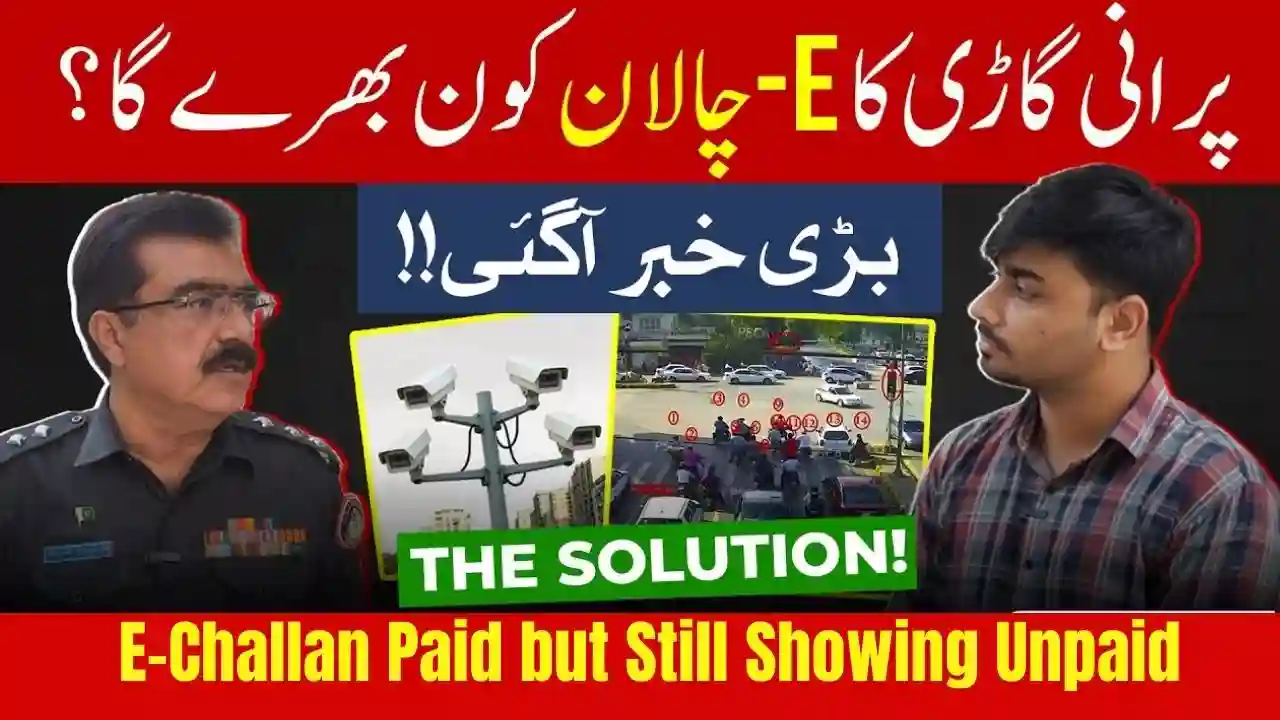
Many vehicle owners across Pakistan face a frustrating issue where their E-Challan Paid but Still Showing Unpaid is completed, but the system still shows it as unpaid. This problem is common in Islamabad Safe City, Punjab e-Challan, and other provincial traffic systems.
This article explains why an e-Challan remains unpaid after payment, what the real reasons are, and how you can fix it step-by-step.
What Does “E-Challan Paid but Unpaid” Mean?
An e-Challan paid but unpaid issue means that:
- You have already paid the traffic fine
- Money is deducted from your bank/app
- But the Safe City or Traffic Police portal still shows “Unpaid”
This usually happens due to system delays, verification issues, or incorrect details.

Common Reasons Why E-Challan Shows Unpaid After Payment
1. Bank Processing Delay (Most Common Reason)
Payments made through:
- Mobile banking apps
- ATM machines
- JazzCash / Easypaisa
can take 24 to 72 hours to update in the traffic police system.
Fix:
Wait at least 2–3 working days before taking action.
2. Payment Made Outside Official Channels
If payment is made through:
- Unofficial agents
- Wrong bank option
- Old challan reference
the system may not recognize the payment.
Fix:
Always pay via official portals, banks, or government-approved apps.
3. Wrong Challan Reference Number Entered
Even one wrong digit in:
- Challan number
- Vehicle registration
- CNIC
can stop the system from matching your payment.
Fix:
Re-check the payment slip and challan number carefully.
4. System Synchronization Error (Safe City Issue)
Sometimes Safe City servers face:
- Technical glitches
- Database syncing issues
- Heavy traffic load
This delays status updates.
Fix:
The status usually updates automatically within 48 hours.
5. Payment Made on Weekend or Holiday
Payments done on:
- Saturday / Sunday
- Public holidays
are processed on the next working day.
Fix:
Wait until banking hours resume.
6. Partial or Failed Payment
If:
- Internet disconnects during payment
- App crashes
- Payment is reversed
the challan stays unpaid.
Fix:
Check bank statement to confirm successful transaction.

How to Fix E-Challan Showing Unpaid After Payment (Step-by-Step)
Step 1: Keep Payment Proof Ready
Save:
- Bank receipt
- Screenshot
- Transaction ID
Step 2: Re-check Challan Status Online
Visit:
- Islamabad Safe City portal
- Punjab Traffic Police website
Enter:
- Vehicle number
- CNIC
Step 3: Wait 48–72 Hours
Most cases resolve automatically within this time.
Step 4: Contact Traffic Police Support
If still unpaid:
- Visit nearest traffic police office
- Call Safe City helpline
- Email support with payment proof
They manually verify and clear the challan.

Can You Be Fined Again If Status Shows Unpaid?
Yes, temporarily.
If:
- Status is unpaid
- Vehicle is stopped
show your payment receipt. Police usually verify and allow you.

How Long Does E-Challan Status Update Take?
| Payment Method | Update Time |
|---|---|
| Online Banking | 24–72 hours |
| ATM | 1–2 working days |
| Mobile Wallets | Up to 3 days |
| Bank Branch | Same or next day |
Important Tips to Avoid This Problem in Future
- Always pay through official portals
- Double-check challan number
- Save receipts for at least 30 days
- Avoid last-minute payments
Conclusion
If your e-Challan is paid but still showing unpaid, don’t panic. In most cases, it’s a system or bank delay, not your fault. Keeping payment proof and following the proper complaint process ensures the issue is resolved smoothly.
Important FAQs – E-Challan Paid but Still Unpaid
Q1: How long should I wait after paying an e-Challan?
Usually 24 to 72 hours.
Q2: Will I get fined again if status shows unpaid?
No, if you show valid payment proof.
Q3: Can I pay the same challan twice?
No, wait for update or contact support first.
Q4: Which payment method updates fastest?
Bank branch and official online portals.
Q5: Where can I complain about e-Challan payment issues?
Safe City helpline or nearest traffic police office.