How to Login on DLIMS Punjab Portal – dlims.punjab.gov.pk Explained
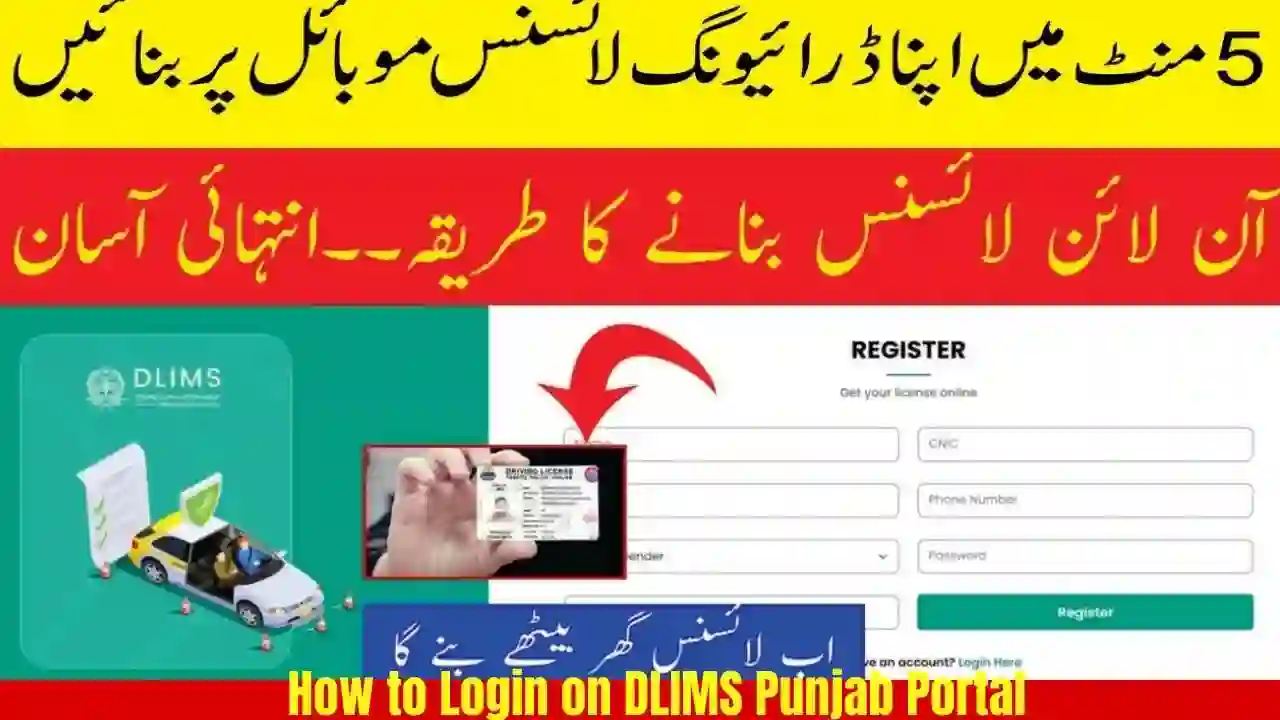
The How to Login on DLIMS Punjab Portal (Driving License Issuance Management System) is the official online platform launched by the Punjab Traffic Police to digitize driving license services. Through dlims.punjab.gov.pk, citizens can apply for learner licenses, track driving license status, check test results, pay fees, and verify licenses without visiting traffic offices.
This guide explains how to login on DLIMS Punjab portal, common login issues, required information, and all major features available after logging in.
What is DLIMS Punjab Portal?
DLIMS stands for Driving License Issuance Management System, a centralized online system used across Punjab for driving license management.
Using dlims.punjab.gov.pk, applicants can:
- Create and login to a DLIMS account
- Apply for a Learner Driving License online
- Track CNIC-based driving license status
- Schedule driving tests
- Download e-learner permits
- Verify driving licenses
- Pay traffic-related fees online
The portal is accessible 24/7 and works on mobile and desktop devices.

Why You Need to Login on DLIMS Punjab Portal
Logging in to DLIMS is required to access personalized services. Without login, users can only check basic license information.
After logging in, users can:
- View personal license records
- Apply for new services
- Reprint learner permits
- Track application progress
- Access test schedules and results

Official DLIMS Punjab Login Website
The only official website for DLIMS login is:
⚠️ Always ensure the URL is correct to avoid fake or phishing websites.

Requirements for DLIMS Punjab Login
Before logging in, make sure you have:
- Valid CNIC number
- Registered mobile number
- Stable internet connection
- Updated web browser (Chrome recommended)
For new users, account registration is required before login.

How to Register on DLIMS Punjab Portal (First-Time Users)
If you do not have an account, follow these steps:
Step 1: Open DLIMS Website
Go to dlims.punjab.gov.pk
Step 2: Click on “Register”
Select Sign Up / Registration option.
Step 3: Enter CNIC Details
Provide:
- CNIC number
- Full name (as per CNIC)
- Date of birth
Step 4: Mobile Number Verification
Enter your mobile number and verify it using OTP.
Step 5: Create Password
Set a strong password and confirm it.
Step 6: Submit Registration
Your DLIMS account will be created successfully.
How to Login on DLIMS Punjab Portal – Step-by-Step Guide
Step 1: Visit DLIMS Punjab Website
Open https://dlims.punjab.gov.pk
Step 2: Click on “Login”
The login button is available on the homepage.
Step 3: Enter Login Credentials
Provide:
- CNIC number (without dashes)
- Password
Step 4: Complete CAPTCHA
Enter the security code displayed on screen.
Step 5: Click Login
You will be redirected to your DLIMS dashboard.
DLIMS Punjab Dashboard Features After Login
Once logged in, users can access:
Learner Driving License
- Apply for learner license online
- Download learner permit
- Check learner validity
Driving License Services
- Track driving license issuance
- View test schedules
- Check driving test results
License Verification
- Verify license using CNIC
- Check issue and expiry dates
Fee Payment Options
- Pay learner license fee
- Pay test or issuance charges
Application Tracking
- Real-time status updates
- Pending or approved applications
Common DLIMS Punjab Login Problems & Solutions
Forgot Password Issue
- Click Forgot Password
- Enter CNIC and registered mobile number
- Reset password via OTP
CNIC Not Found Error
- Ensure correct CNIC format
- Confirm registration completed successfully
Website Not Opening
- Clear browser cache
- Try different browser or device
- Visit during non-peak hours
OTP Not Received
- Check mobile network
- Ensure SIM is registered in your name
- Retry after a few minutes
DLIMS Punjab Login via Mobile Phone
DLIMS portal is mobile-friendly and works on:
- Android smartphones
- iPhones
- Tablets
No separate app is required. Just open the website using a mobile browser.
Security Tips for DLIMS Login
- Never share your DLIMS password
- Avoid logging in from public computers
- Always logout after completing tasks
- Use a strong password with numbers and symbols
DLIMS Punjab Login for License Verification (Without Account)
Some services like license verification are available without login:
- Visit DLIMS website
- Select Verify License
- Enter CNIC or license number
However, for applications and downloads, login is mandatory.
Benefits of Using DLIMS Punjab Online Login
- Saves time and travel cost
- Reduces queues at traffic offices
- Transparent and traceable process
- 24/7 access from anywhere
- Secure digital records
FAQs How to Login on DLIMS Punjab Portal
1. Can I login to DLIMS Punjab without registration?
No, you must create an account before logging in to access services.
2. Is DLIMS Punjab login free?
Yes, login and account creation are completely free.
3. What should I do if my DLIMS account is blocked?
Wait 24 hours or contact Punjab Traffic Police support.
4. Can I apply for learner license after login?
Yes, learner license application is available directly after login.
5. Is DLIMS Punjab portal safe to use?
Yes, it is an official and secure government platform.
Conclusion
The DLIMS Punjab Portal login system has transformed how driving license services are delivered in Punjab. By logging in at dlims.punjab.gov.pk, citizens can apply, track, verify, and manage their driving license services without unnecessary delays.
If you want a fast, transparent, and hassle-free driving license process, creating and using a DLIMS account is the smartest option in 2026 and beyond.