DLIMS Fee Paid but Status Not Updated? What to Do
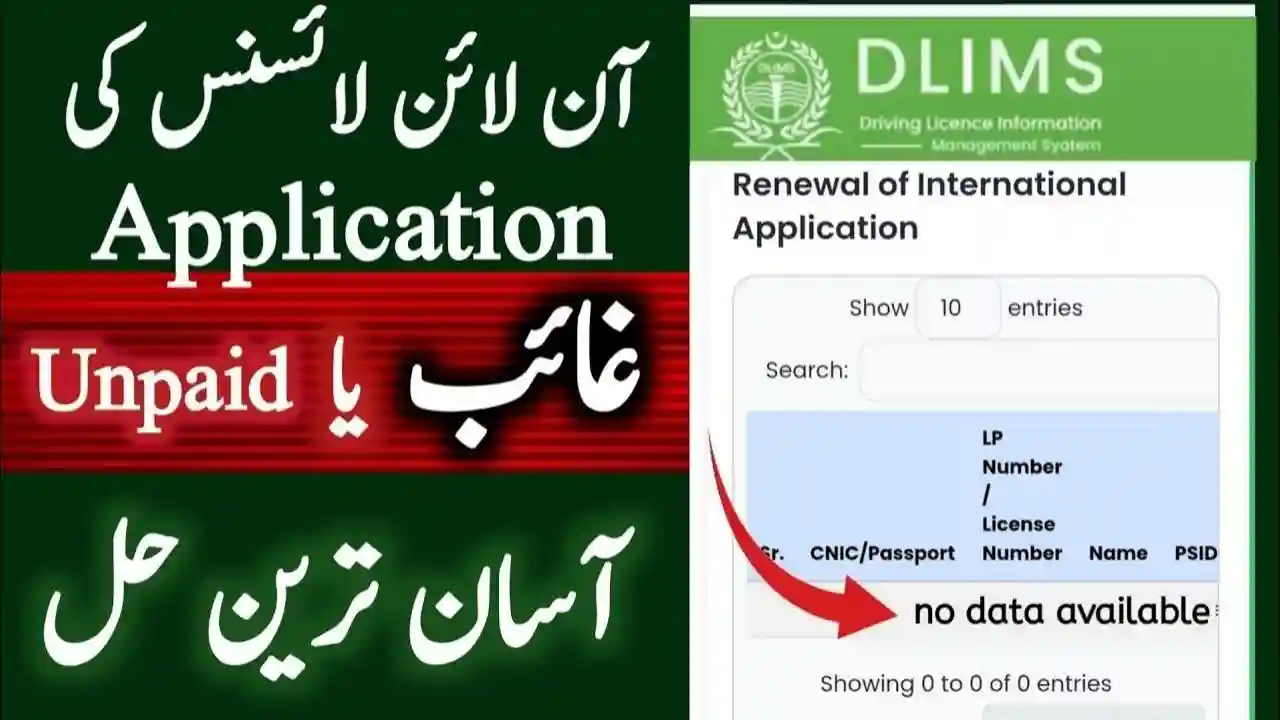
DLIMS Fee Paid but Status Not Updated is not updated on the portal. This problem can delay learner licenses, permanent driving licenses, renewals, duplicates, or upgrades.
If you have paid your DLIMS fee and the system still shows “Unpaid,” “Pending,” or “Payment Not Verified,” this detailed guide explains why it happens, what to do next, and how to fix it step by step.
Understanding the DLIMS Payment System in Punjab
DLIMS (Driving License Issuance Management System) is managed by Punjab Police to digitize driving license services. Citizens can pay fees through:
- ATM / Bank Challan
- Mobile banking apps
- Internet banking
- JazzCash / EasyPaisa
- Official government payment channels
After payment, the system is supposed to update automatically. However, technical delays and verification gaps often cause problems.

Common Reasons Why DLIMS Fee Paid but Status Not Updated
1. Payment Verification Delay
The most common reason is delayed verification between the bank and DLIMS server. Sometimes it takes 24–72 hours for confirmation.
2. Incorrect PSID or Challan Number
If the PSID (Payment Slip ID) or challan number is entered incorrectly during payment, DLIMS cannot link your payment.
3. Bank System Downtime
When banks update their systems or face server issues, transaction confirmation may not sync with DLIMS immediately.
4. Payment Made After Office Hours
Payments made late at night, on weekends, or public holidays may be processed on the next working day.
5. Partial or Failed Transaction
Sometimes money is deducted, but the transaction remains technically incomplete, causing DLIMS to show unpaid status.
6. Cache or Portal Glitch
DLIMS portal occasionally displays outdated information due to cache or backend errors.

How Long Does DLIMS Take to Update Payment Status?
Normally, DLIMS payment status updates within:
- Instantly to 2 hours (most cases)
- Up to 24 hours (normal delay)
- 48–72 hours (bank or system issues)
If your payment is older than 3 working days, you should take action.

Step-by-Step: What to Do If DLIMS Fee Is Paid but Status Not Updated
Step 1: Keep Payment Proof Safe
Save or screenshot:
- Bank receipt
- ATM slip
- Mobile banking confirmation
- PSID number
This proof is mandatory for complaint resolution.
Step 2: Recheck Payment Status on DLIMS Portal
Visit the official DLIMS website and:
- Enter your CNIC
- Enter License Number / Application Number
- Refresh and recheck status
Sometimes the status updates automatically after re-login.
Step 3: Verify Payment Through Bank or App
Confirm from your bank or mobile wallet that:
- Payment is successful
- PSID is correct
- Amount matches DLIMS fee
If payment shows “processing,” wait a few more hours.
Step 4: Clear Browser Cache or Use Another Browser
This simple step often works:
- Clear browser cache
- Use Chrome or Edge
- Try incognito mode
- Recheck DLIMS status
Step 5: Wait 48–72 Hours (Important)
DLIMS explicitly advises users to wait at least 2–3 working days before raising a complaint.
Step 6: Visit Nearest Traffic Police Khidmat Markaz
If status is still not updated:
- Visit your nearest Traffic Police Khidmat Markaz
- Carry:
- Original CNIC
- Payment receipt
- Application details
Staff can manually verify and update your payment.
Step 7: Submit DLIMS Payment Complaint
You can also file a complaint through:
- Traffic Police helpline
- Punjab Police complaint cell
- Official email (if available at your district office)
Mention:
- CNIC
- PSID
- Date of payment
- Bank name
- Screenshot of receipt

What If Money Is Deducted but DLIMS Shows Unpaid?
This situation is common and usually resolved by:
- Automatic bank reconciliation
- Manual verification at Khidmat Markaz
Do not pay again immediately, as double payment can create further issues.
Can You Get a Refund If DLIMS Payment Fails?
Yes, but refunds:
- Take 7–14 working days
- Are processed by the bank, not DLIMS
- Require transaction proof
In most cases, the payment is adjusted instead of refunded.
Tips to Avoid DLIMS Payment Issues in Future
- Always use official PSID
- Avoid late-night payments
- Use reliable banks
- Save receipts until license is issued
- Check status after a few hours, not immediately
DLIMS Services Affected by Payment Status Issues
Payment delays can affect:
- Learner driving license
- Permanent driving license
- License renewal
- Duplicate license
- International driving permit
- License upgrade
Frequently Asked Questions (FAQs)
1. Why does DLIMS show unpaid after fee payment?
DLIMS status may not update due to bank verification delays, incorrect PSID, or system glitches.
2. How long should I wait after paying DLIMS fee?
You should wait 24 to 72 hours before taking further action.
3. Should I pay DLIMS fee again if status is not updated?
No. Do not pay again without confirming from bank or Khidmat Markaz.
4. Where can I complain about DLIMS payment issue?
You can visit the Traffic Police Khidmat Markaz or contact Punjab Traffic Police support.
5. Can DLIMS staff manually update my payment?
Yes, with valid proof, staff can manually verify and update your payment.
Conclusion
If your DLIMS fee is paid but status is not updated, there is no need to panic. This is a common technical issue caused by verification delays or system synchronization problems. By following the steps above—waiting patiently, keeping payment proof, and visiting the Khidmat Markaz—you can resolve the issue without paying again.
DLIMS continues to improve, but until the system becomes fully real-time, user awareness is the best solution.