PTA Mobile Registration Login & Apply for PTA Approval
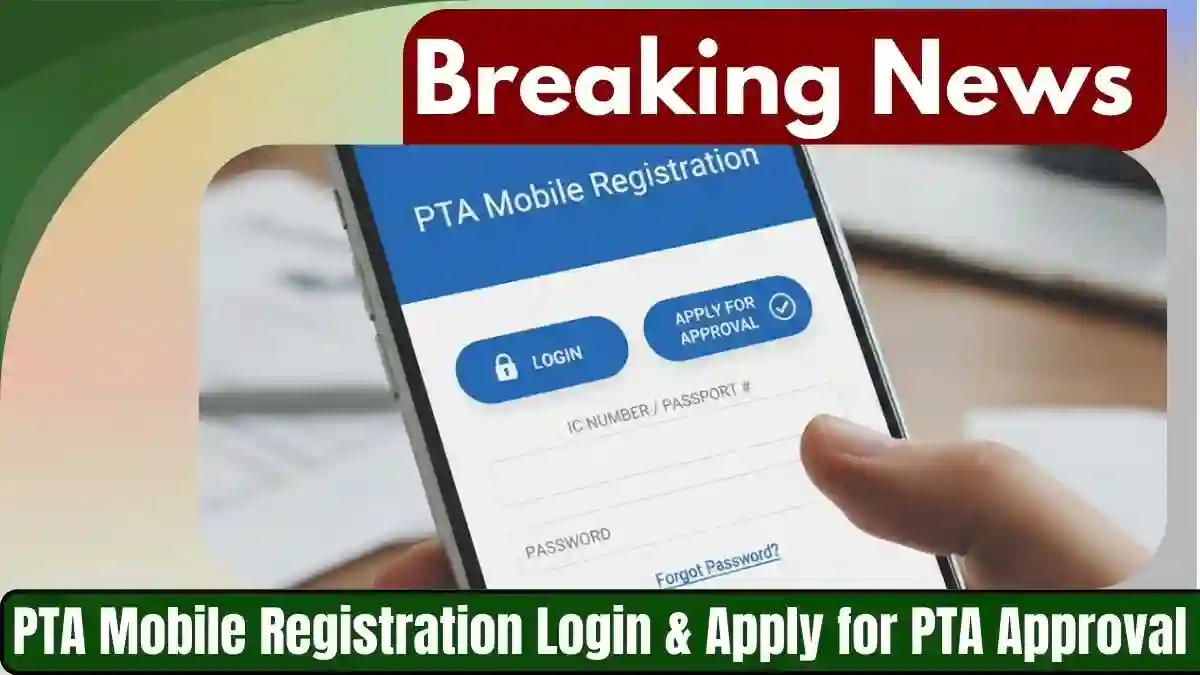
The PTA Mobile Registration Login & Apply for PTA Approval has made mobile registration mandatory for all mobile devices in Pakistan. This initiative ensures that mobile phones used in Pakistan are legal, secure, and free from smuggling. Whether you are buying a new device or bringing one from abroad, understanding PTA mobile registration is essential to avoid service disruptions.
This guide will cover PTA mobile registration login, how to apply for PTA approval, and the latest updates for 2026.
What is PTA Mobile Registration?
PTA mobile registration is the process of registering a mobile device with the Pakistan Telecommunication Authority to make it legally operable in Pakistan. Devices that are not registered may be blocked from using cellular networks. This system is part of PTA’s efforts to reduce smuggling and ensure that mobile users enjoy uninterrupted services.
Every mobile phone has an IMEI number, which is a unique identifier. PTA uses this number to verify whether a device is registered in Pakistan. Both local and imported phones must be registered before they can access mobile networks.

Why PTA Mobile Registration is Important
- Legal Compliance: Using an unregistered device is illegal in Pakistan.
- Network Access: Unregistered devices may be blocked from mobile networks.
- Anti-Smuggling Efforts: PTA ensures only legally imported phones are used.
- Security: Helps track stolen or counterfeit phones.
Without proper PTA approval, you risk losing connectivity, data services, and mobile functionality.

How to Check PTA Mobile Registration Status
Checking the PTA registration status is simple and can be done online. Here’s how:
- Using the PTA Website:
- Visit the official PTA Device Verification System (DVS).
- Enter your phone’s IMEI number.
- Click Submit to see if your device is registered.
- Using SMS:
- Send your IMEI number to 8484 via SMS.
- You will receive a message confirming whether your device is registered.

PTA Mobile Registration Login Portal
To manage your mobile registration, PTA provides an online login system. Users can create accounts, track applications, and check registration status through the PTA mobile registration login portal.
Steps to login:
- Visit the PTA Login Page.
- Enter your CNIC or email and password.
- Access your dashboard to see device registration details.
The login portal is secure and provides users with all necessary tools to ensure compliance.

How to Apply for PTA Approval
Applying for PTA approval is necessary for all imported mobile phones. Follow these steps:
Step 1: Gather Required Documents
- Copy of CNIC or NICOP
- Purchase receipt of the mobile device
- IMEI number of the device (can be found by dialing *#06#)
Step 2: Visit PTA DVS Website
- Go to PTA Device Verification System.
- Click on Register Device or Apply for Approval.
Step 3: Fill Online Application Form
- Enter your CNIC, contact details, and device information.
- Provide IMEI number and attach scanned documents.
Step 4: Pay Applicable Tax or Fee
- PTA may charge a tax or registration fee based on the type of device.
- Payments can be made online via JazzCash, EasyPaisa, or bank transfer.
Step 5: Submit Application
- Review your information and submit the application.
- You will receive an acknowledgment receipt and tracking number.
Step 6: Verification
- PTA may verify your device before approval.
- Once approved, your IMEI will be registered, and you can use your device freely.
Types of Mobile Devices Requiring PTA Approval
- Locally Purchased Devices: Must be registered to work on Pakistani networks.
- Imported Devices: Phones brought from other countries require registration.
- Devices Bought Abroad: Travelers or expatriates bringing phones must register via PTA to avoid network blocking.
Common Issues During PTA Mobile Registration
- Incorrect IMEI Number: Always double-check your IMEI.
- Pending CNIC Verification: Make sure your CNIC is valid and verified.
- Payment Problems: Ensure payment receipts are uploaded correctly.
- Blocked Devices: Devices not registered may be blocked after 30 days of import.
PTA Mobile Registration for New Users
For new mobile users in Pakistan:
- Obtain your IMEI number from your device.
- Register online through the PTA DVS portal.
- Pay any applicable tax.
- Track the application via PTA mobile registration login.
- Receive confirmation of approval.
PTA Registration Fee and Charges
The PTA registration fee varies depending on the type of device:
- Imported Mobile Devices: PKR 5,000–15,000 depending on specifications.
- Local Devices: Usually included in the purchase price.
- Exemptions: Some travelers may be exempt for personal use, but registration is still recommended.
FAQs about PTA Mobile Registration
Q1: How do I check if my phone is PTA approved?
A1: Dial *#06# to get your IMEI number and verify it on the PTA Device Verification System or send it to 8484 via SMS.
Q2: Can I use an unregistered phone in Pakistan?
A2: No, unregistered phones may be blocked from mobile networks in Pakistan.
Q3: How long does PTA mobile registration take?
A3: Online registration typically takes 1–3 business days after payment confirmation.
Q4: What documents are needed for PTA approval?
A4: CNIC, device purchase receipt, and IMEI number are required for registration.
Q5: Is there a fee for registering a phone with PTA?
A5: Yes, fees vary depending on whether the device is imported or local.
Latest Updates on PTA Mobile Registration 2026
- PTA has extended the registration for travelers bringing phones for personal use.
- New mobile registration rules ensure that only verified devices operate in Pakistan.
- PTA is continuously monitoring smuggling, and unregistered phones will face strict actions.
Conclusion
PTA mobile registration is a crucial requirement for mobile users in Pakistan. Following the proper procedure ensures your device is legal, secure, and fully functional. Whether checking your status, logging in to the PTA portal, or applying for approval, staying compliant with PTA regulations protects you from network blocks and legal issues.