How to Download PTA App and DIRBS PTA Registration Login
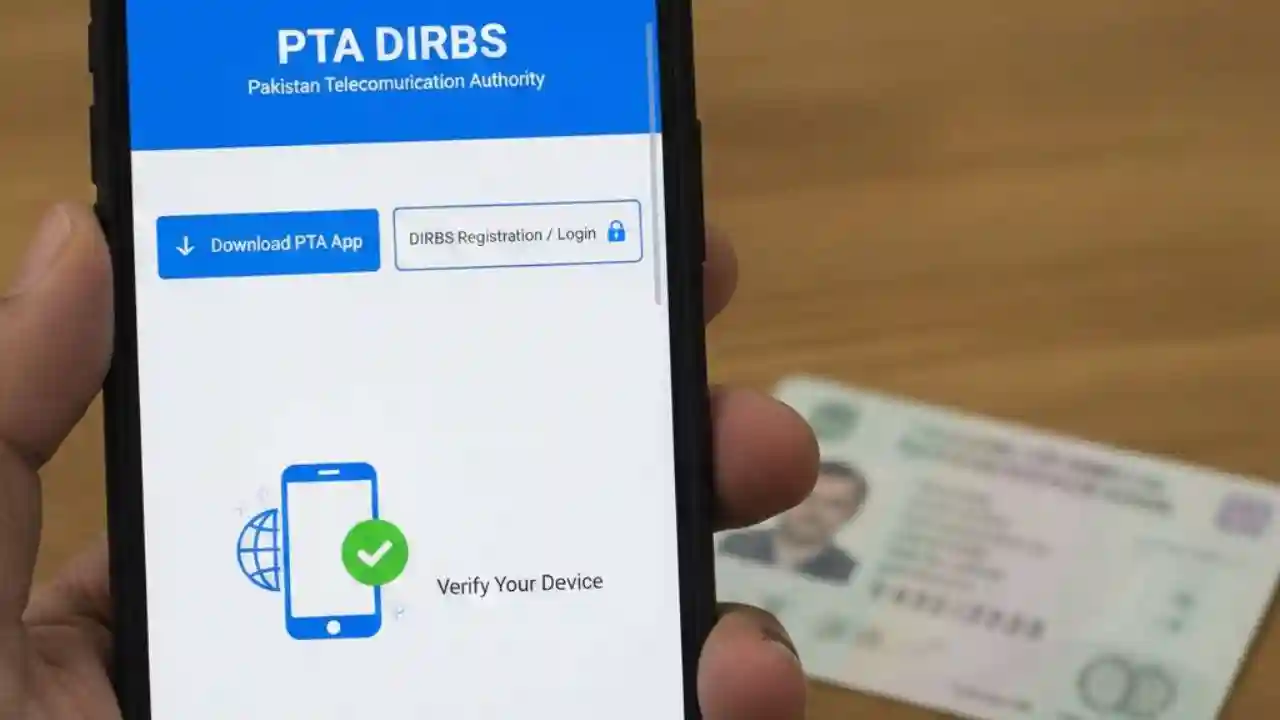
How to Download PTA App and DIRBS PTA Registration Login has made it easier for mobile users to register their devices and check compliance through the PTA App and the DIRBS PTA Registration Login portal. Whether you have a new phone or are planning to buy a used device, understanding how to use these tools is essential to avoid any service disruption.
This guide will explain step by step how to download the PTA App, perform DIRBS PTA Registration Login, and ensure your device is fully compliant with PTA regulations.
What is PTA App and DIRBS?
The PTA App is an official mobile application launched by the Pakistan Telecommunication Authority to help users check the registration status of their devices, register unregistered devices, and verify IMEI numbers quickly.
DIRBS, or Device Identification Registration and Blocking System, is a system introduced by PTA to curb the use of smuggled or unregistered mobile devices in Pakistan. The system allows users to perform DIRBS PTA Registration Login, check device compliance, and ensure legal usage of mobile devices across Pakistan.

Why is DIRBS PTA Registration Important?
Using unregistered devices in Pakistan can result in your device being blocked or limited in functionality. Through DIRBS PTA Registration Login, users can:
- Verify whether a device is PTA compliant.
- Avoid service disruption by registering devices on time.
- Prevent penalties for using smuggled devices.
- Track registration status of multiple devices.
Compliance with PTA rules is mandatory for all devices, whether imported or locally purchased.

How to Download PTA App in Pakistan
Downloading the PTA App is straightforward and can be done on both Android and iOS devices. Follow these steps:
For Android Users:
- Open Google Play Store on your mobile device.
- Search for “PTA DIRBS” or “PTA App Pakistan”.
- Click Install to download the official application.
- Once installed, open the app and accept the required permissions.
For iOS Users:
- Open the Apple App Store.
- Search for “PTA DIRBS App”.
- Tap Get to install the application.
- Open the app and complete the initial setup process.
Once the app is installed, you can start using its features to check your device registration status or complete DIRBS PTA Registration Login.

Steps for DIRBS PTA Registration Login
To register your device using DIRBS PTA Registration Login, follow these steps carefully:
- Visit the official DIRBS website: https://dirbs.pta.gov.pk
- Click on “User Login / Register”.
- If you already have an account, enter your CNIC and password.
- For new users, click “Register” and provide:
- CNIC Number
- Mobile number
- Email address
- Device IMEI number
- Verify your details through OTP sent on your registered mobile number.
- Once verified, log in to your account.
- Click “Add Device” and enter your IMEI number.
- Confirm the registration by following the on-screen instructions.
After successful registration, your device status will be updated, and it will remain active on local networks without interruption.

How to Check PTA Device Status Using PTA App
The PTA App allows users to instantly check the registration status of any device. Here’s how:
- Open the PTA App on your mobile device.
- Enter your device IMEI number in the search field.
- Tap Check Status.
- The app will display:
- Compliant – Device is registered and legal.
- Non-Compliant – Device is not registered.
- Blocked – Device usage is restricted due to non-compliance.
This feature helps users quickly verify devices before purchase or registration.
Common Issues During DIRBS PTA Registration Login
While using DIRBS PTA Registration Login, users may face some common problems:
- IMEI Not Recognized – Ensure you are entering the correct 15-digit IMEI number.
- Server Down or Slow – Retry after some time if the server is busy.
- Invalid CNIC or OTP – Double-check the CNIC and make sure your mobile number is correct.
- Duplicate Registration – Some devices might be already registered; check previous registrations.
PTA provides support through its helpline for unresolved issues.
Benefits of Using PTA App and DIRBS
Using PTA App and DIRBS PTA Registration Login offers several advantages:
- Legal Compliance – Ensures your device is legally registered.
- Avoid Service Disruption – Prevents mobile networks from blocking unregistered devices.
- Ease of Verification – Check device status anytime without visiting a PTA office.
- Multiple Device Management – Manage registration for multiple devices using a single account.
- Real-Time Updates – Receive notifications and updates about your registered devices.
These benefits make it easier for users to stay compliant and avoid penalties.
How to Register a Used Device on DIRBS
If you have purchased a second-hand device, follow these steps:
- Open the DIRBS portal or PTA App.
- Log in using your CNIC.
- Go to Device Registration and select Used Device.
- Enter the IMEI number and previous owner’s CNIC if required.
- Complete the verification process through OTP.
- Submit and wait for the approval message.
Your device will then be registered under your name, ensuring uninterrupted service.
Tips for Smooth DIRBS PTA Registration Login
- Always use the official DIRBS website or PTA App.
- Keep your CNIC and mobile number ready for OTP verification.
- Enter IMEI numbers carefully to avoid errors.
- Register devices before changing SIM cards to prevent service disruption.
- Contact PTA support if your device shows non-compliant status after registration.
FAQs About PTA App and DIRBS Registration
Q1: Is PTA registration mandatory for all mobile devices in Pakistan?
A1: Yes, all mobile devices must be registered with PTA to avoid network blocking.
Q2: Can I register multiple devices under one account?
A2: Yes, the PTA App and DIRBS portal allow multiple device registrations under a single account.
Q3: How long does DIRBS registration take?
A3: Usually, the registration process completes instantly, but it may take a few hours in case of high server traffic.
Q4: Can I register a device purchased from abroad?
A4: Yes, foreign devices can be registered using the DIRBS system before SIM activation.
Q5: What should I do if my device is blocked?
A5: Contact PTA support and provide your IMEI and CNIC to resolve the issue.
Conclusion
Staying compliant with PTA regulations is now easier than ever with the PTA App and DIRBS PTA Registration Login. Whether you are buying a new device, using a second-hand phone, or importing a device from abroad, registration ensures uninterrupted mobile services and legal compliance in Pakistan. By following the steps mentioned in this guide, users can quickly download the PTA App, perform DIRBS registration, check device status, and manage multiple devices efficiently.