Google Photos Adds AI Meme Feature – How It Works
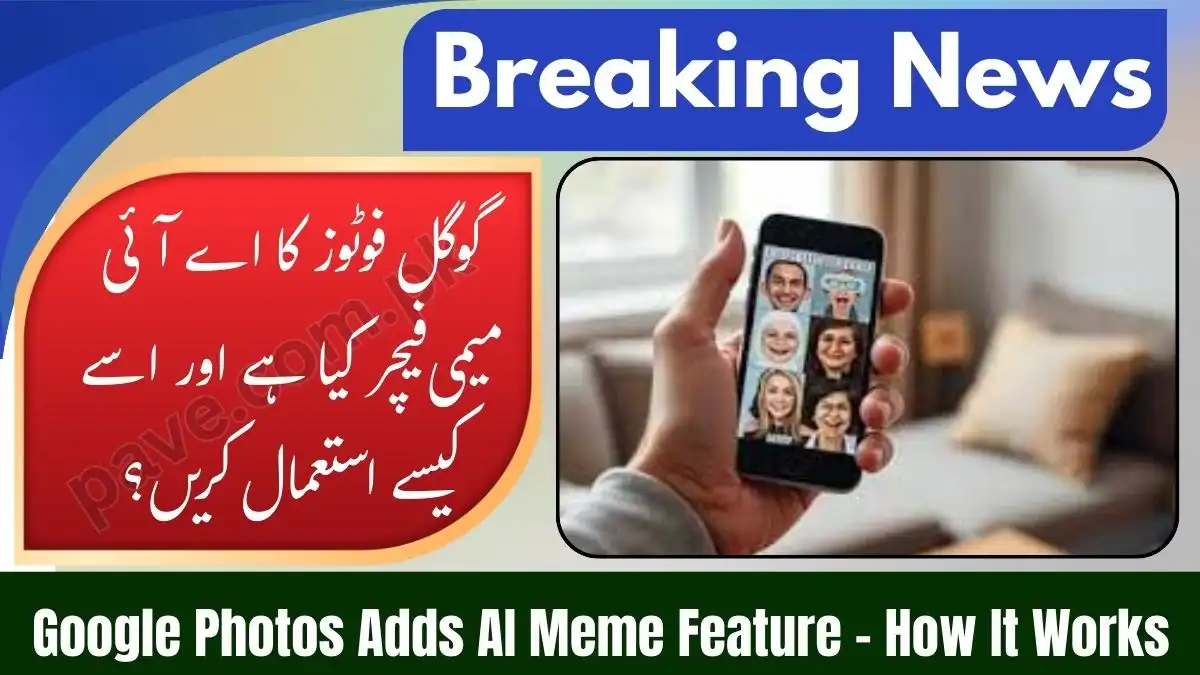
Google has quietly turned memes into a personal AI experience. The new “Me Meme” feature inside Google’s Google Photos is not a basic face cut-and-paste tool. It uses advanced image understanding to blend you naturally into iconic meme templates.
Below is a clear, no-hype, deep explanation of how it works, how to use it properly, and what to expect in 2026.
How the “Me Meme” Feature Actually Works
Unlike older meme generators, Me Meme relies on contextual facial mapping, not simple overlays.
The AI analyzes:
- Facial structure (jawline, eyes, nose, expressions)
- Lighting direction and intensity
- Head angle and depth
- Skin tone and shadows
It then reconstructs your face inside the meme scene, matching perspective and lighting so the result looks native to the image, not pasted on top.
That’s why the output often feels surprisingly natural.

Step-by-Step: How to Use Me Meme in Google Photos
Step 1: Open Google Photos
Open the Google Photos app on Android or iOS.
Step 2: Go to “Create”
Tap the Create (or Create / Edit) tab at the bottom.
Step 3: Select “Me Meme”
Find and tap Me Meme.
First-time users will see a short AI disclaimer and intro.
Step 4: Pick a Meme Template
Choose from Google’s built-in templates such as:
- “This Is Fine” dog
- “Distracted Boyfriend”
- Reaction-style formats
Pro tip: You can also upload your own meme image as a custom template.
Step 5: Choose Your Photo
Select a clear, front-facing selfie with good lighting.
Blurry or low-light photos reduce accuracy.
Step 6: Generate
Tap Generate.
The AI processes your image and builds the meme.
Step 7: Finalize
- Save to library
- Share directly to social platforms
- Tap Regenerate if you want a different variation

Important Details & Current Limitations (2026)
Availability
- Currently rolling out in the United States
- Global rollout (including Pakistan and Europe) expected later in 2026
Backup Requirement
- Your photo must be backed up to Google Photos cloud
- Local-only images will not work
AI Imperfections
Because it’s still labeled experimental, you may see:
- Slight facial distortion
- Odd expressions
- Minor texture artifacts
Google recommends high-resolution portraits for best results.
Usage Limits
- Free users: Daily generation cap
- Google One / AI Premium users: Higher or extended limits

Google Photos AI Tools Overview (2026)
| Feature | What It Does |
|---|---|
| Me Meme | Inserts your face naturally into popular meme templates |
| Remix | Applies new artistic styles to existing photos |
| Magic Editor | Moves objects, replaces backgrounds with AI |
| Photo to Video | Turns photos into cinematic short videos |
Together, these tools position Google Photos as a creative AI studio, not just a gallery app.

When Does Me Meme Actually Shine?
- Reaction memes
- Story-based humor
- Casual social sharing
- Personalized content without editing skills
It is not designed for:
- Deepfake impersonation
- Political manipulation
- High-precision professional edits
Google applies safeguards to prevent misuse.
Final Takeaway
The Me Meme feature is a glimpse into how everyday creativity is changing. Instead of learning Photoshop or third-party apps, users can now generate high-quality, context-aware memes in seconds, directly from their photo library.
Right now it’s experimental. By late 2026, it’s likely to become a standard social expression tool, much like Stories or Reels.