How Can I revise my Wealth Statement in FBR Tax Returns IRIS Portal 2026
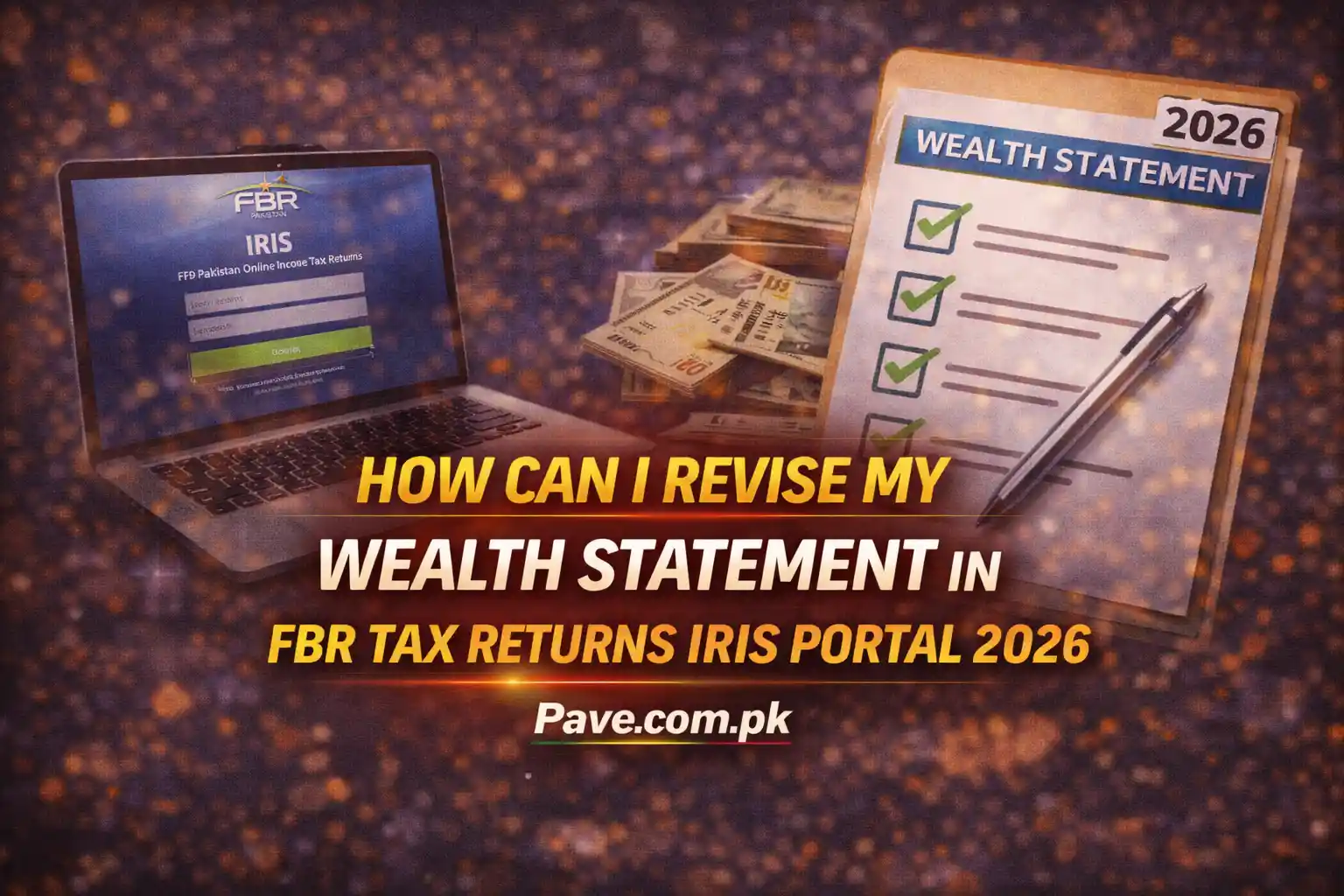
This guide explains step by step how to revise your Wealth Statement (Form 116) on the FBR IRIS 2.0 portal, according to the latest rules applicable in 2026.
Step 1: Access the Correct Revision Form
Login
- Visit the IRIS 2.0 portal of Federal Board of Revenue
- Log in using your CNIC / NTN and password
Navigate to Revised Forms
- From the top Mega Menu, click Declaration
- Select Returns / Statements (Revised)
Select the Correct Form
- Click Form 116(3)
“Statement of Assets / Liabilities filed voluntarily after revision”
⚠️ This form is only for voluntary revision of Wealth Statement, not for first-time filing.

Step 2: Select the Tax Period
- After opening Form 116(3), click the Period button (right side)
- Enter 2025 (or the relevant tax year) in the search box
- Click the search icon
- Click Select against the relevant period
✔️ Your previously submitted Wealth Statement data will load into Draft mode.

Step 3: Edit Data & Wealth Reconciliation (Most Important)
Modify Data
You will see multiple tabs, such as:
- Personal Assets / Liabilities
- Bank Accounts
- Properties
- Vehicles
- Reconciliation
Go to the relevant tab and correct or add missing information.
Wealth Reconciliation (Critical Requirement)
In the Reconciliation tab, the following must be ensured:
🔴 Unreconciled Amount must be ZERO (0)
FBR Wealth Formula
Opening Net Wealth
+ Inflows (Income, Gifts, Loans)
– Outflows (Expenses, Purchases)
= Closing Net Wealth
If the unreconciled amount is not zero, it means:
- Income is missing, or
- Expenses/assets are not properly declared
Remarks / Reason for Revision (Mandatory)
In the Contents / Remarks section, clearly explain why you are revising, for example:
- “Bona fide omission of a bank account”
- “Correction of vehicle value”
- “Property earlier declared at incorrect cost”
This explanation is very important to avoid audit issues.

Step 4: Verification & Submission
Calculate
- Click Calculate (top-right)
- System will verify totals
Verify PIN
- Go to the Verification tab
- Enter your 4-digit IRIS PIN
- Click Verify PIN
Submit
- After successful verification, click Submit
✔️ Your revised Wealth Statement will be successfully filed.

Important Rules for 2026
Time Limit
- A Wealth Statement can be revised up to 5 years from the original filing date.
Restriction Due to Notice
If FBR has already issued:
- An Audit Notice, or
- A notice under Section 122(9) for that tax year,
➡️ Voluntary revision may be blocked by the system.
Revising Income Tax Return (Form 114) – Important Difference
- Wealth Statement (Form 116):
✔️ Usually does not require prior approval - Income Tax Return (Form 114):
❌ Cannot be revised directly
✔️ You must first file Application for Revision (Form 114-6-b)
✔️ Wait for Commissioner’s digital approval (shown in IRIS Inbox)
Frequently Asked Questions
Can I revise my tax return?
Yes, but Income Tax Return requires approval. Wealth Statement usually does not.
How to revise return on income tax portal?
IRIS → Declaration → Returns / Statements (Revised)
Can I download Wealth Statement PDF?
Yes, after submission, use View / Download option.
Pro Tip (Very Important)
- Even a small mistake in Wealth Statement can trigger audit
- Always ensure:
- Zero unreconciled amount
- Clear and honest remarks
- If unsure, save as Draft first, then submit