How to Pay FBR Taxes Online Through FBR e-Payments Solutions
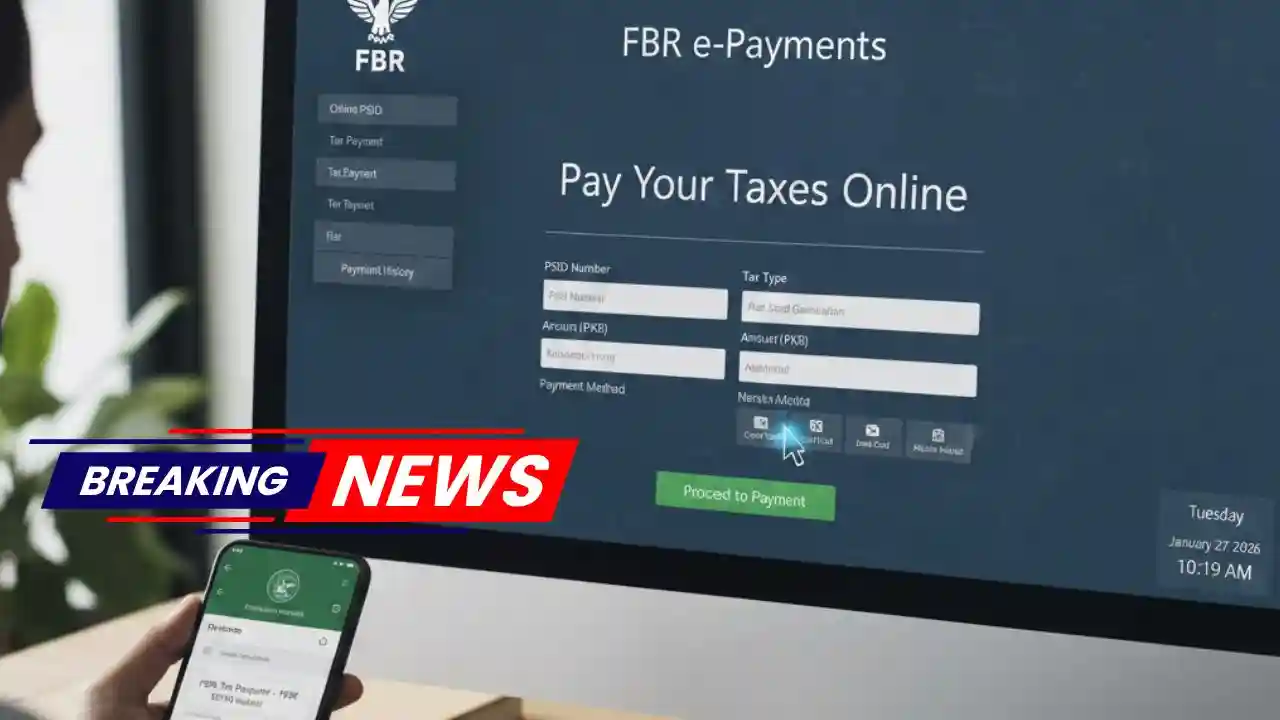
How to Pay FBR Taxes Online Through FBR e-Payments Solutions has become much easier thanks to digital transformation by the Federal Board of Revenue (FBR). With the launch of FBR e-Payments Solutions, taxpayers can now pay their income tax, sales tax, and other federal taxes online—without visiting banks or tax offices.
This detailed guide explains how to pay FBR taxes online, who can use the system, supported banks, common problems, and FAQs. Whether you are a salaried person, freelancer, business owner, or filer, this article will help you complete your tax payment smoothly.
What Is FBR e-Payments Solution?
FBR e-Payments Solution is an online system that allows taxpayers to pay taxes digitally using internet banking, mobile banking apps, ATMs, or bank branches. It is linked with the PSID (Payment Slip ID), which ensures accurate and real-time tax payment verification.
Key Benefits of FBR e-Payments
- No physical bank visits
- 24/7 tax payment facility
- Instant confirmation
- Reduced chances of errors
- Secure and transparent system

Types of Taxes You Can Pay Online Through FBR
Using FBR e-Payments, you can pay:
- Income Tax
- Advance Tax
- Sales Tax
- Federal Excise Duty
- Withholding Tax
- Capital Gains Tax
- Penalties & Surcharges

Requirements to Pay FBR Tax Online
Before making an online tax payment, ensure you have:
- NTN (National Tax Number)
- Registered account on FBR IRIS Portal
- PSID (Payment Slip ID)
- Active bank account or mobile banking app
- Internet connection

Step-by-Step Guide: How to Pay FBR Taxes Online
Step 1: Login to FBR IRIS Portal
- Visit the official FBR IRIS website
- Login using your CNIC/NTN and password
👉 If you are not registered, create an account first.
Step 2: Generate PSID (Payment Slip ID)
- Go to Payments > Create Payment Slip
- Select tax type (Income Tax, Sales Tax, etc.)
- Enter tax period and amount
- Submit the form
✅ A PSID number will be generated automatically.
Step 3: Choose Payment Method
You can pay FBR taxes using:
- Internet Banking
- Mobile Banking App
- ATM
- Bank Counter (Over the Counter)

How to Pay FBR Tax via Internet Banking
- Login to your bank’s internet banking portal
- Select Bill Payment / Government Payments
- Choose FBR / Federal Taxes
- Enter PSID
- Confirm payment
💡 Payment is reflected instantly in FBR records.
How to Pay FBR Tax via Mobile Banking App
Most Pakistani banks support FBR tax payments via mobile apps.
Steps:
- Open your bank app
- Go to Bills & Payments
- Select Government Payments
- Choose FBR
- Enter PSID
- Confirm payment
Banks Supporting FBR e-Payments in Pakistan
Some major banks include:
- National Bank of Pakistan (NBP)
- United Bank Limited (UBL)
- Habib Bank Limited (HBL)
- MCB Bank
- Meezan Bank
- Bank Alfalah
- Allied Bank
- Standard Chartered Pakistan
How to Verify FBR Tax Payment
After payment:
- Login to IRIS portal
- Go to Payments > Payment History
- Check status (Paid / Verified)
You can also download the payment receipt for records.
Common Problems & Solutions in FBR Online Payments
❌ PSID Not Found
✔️ Ensure PSID is active and not expired.
❌ Payment Failed
✔️ Try again or use a different bank.
❌ Payment Not Reflected
✔️ Wait 24 hours or contact your bank.
Is FBR Online Tax Payment Secure?
Yes. FBR e-Payments use bank-level encryption and secure verification systems. The PSID ensures that money is credited correctly without human interference.
Who Should Use FBR e-Payments?
- Salaried individuals
- Freelancers
- Business owners
- Companies
- Tax consultants
- Non-resident Pakistanis (with local bank accounts)
Advantages of Paying Taxes Online Through FBR
- Saves time and effort
- No paperwork
- Transparent system
- Helps maintain filer status
- Reduces corruption risks
- Environment-friendly (paperless)
Tips for Smooth FBR Tax Payment
- Always double-check PSID
- Pay before due date
- Save payment receipts
- Use updated banking apps
- File tax return after payment
Frequently Asked Questions (FAQs)
1. What is PSID in FBR tax payment?
PSID (Payment Slip ID) is a unique number used to identify and verify tax payments in FBR’s system.
2. Can I pay FBR tax without NTN?
No. NTN or registered CNIC is mandatory for online tax payments.
3. How long does FBR take to update payment?
Most payments are updated instantly or within a few minutes.
4. Can I pay FBR tax using JazzCash or Easypaisa?
Currently, FBR payments are mainly supported by banks. Mobile wallets may be added in the future.
5. Is online FBR tax payment mandatory?
While not mandatory for everyone, online payment is highly recommended and preferred by FBR.
Final Thoughts
The FBR e-Payments Solution has made tax payments in Pakistan simple, fast, and transparent. Whether you are paying income tax or advance tax, the online system saves time and eliminates unnecessary hassle. By using this system correctly, you can maintain your filer status and stay compliant with Pakistan’s tax laws.