WhatsApp Introduces Custom Audience Lists – Targeted Sharing Gets Easier
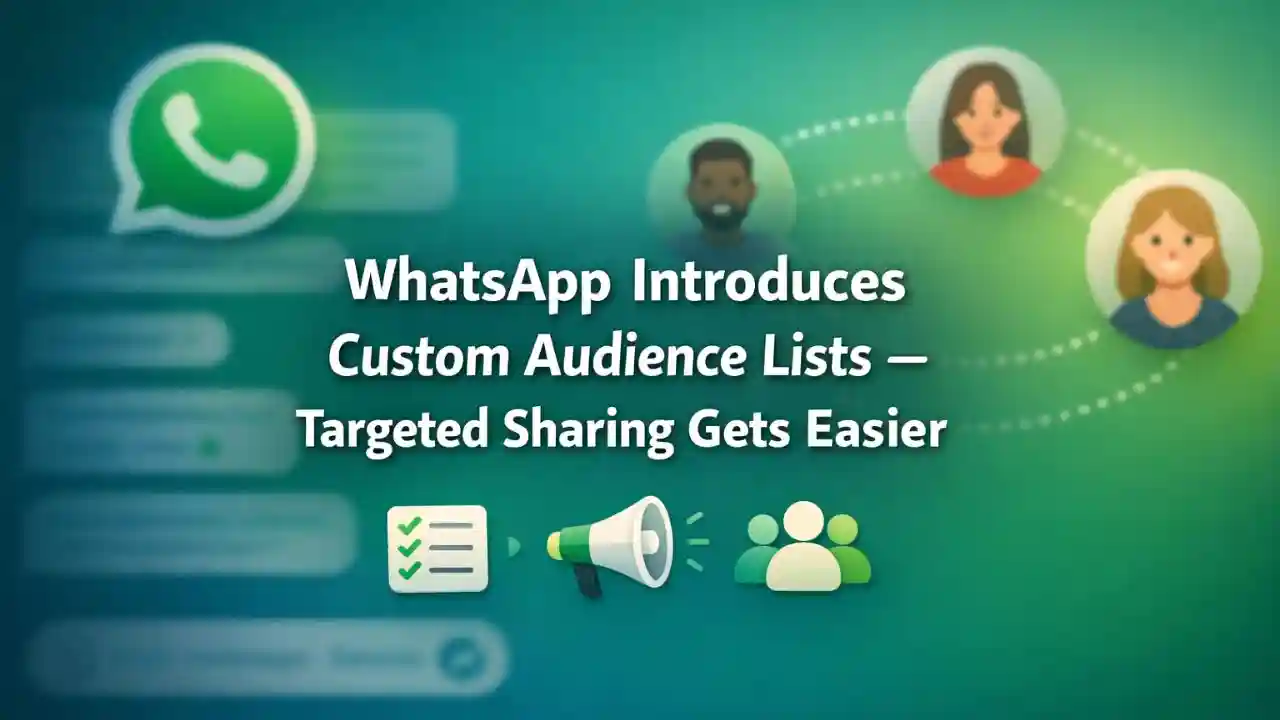
WhatsApp Introduces Custom Audience Lists has officially introduced Custom Audience Lists, a powerful new feature designed to make communication more focused, private, and efficient. With billions of users worldwide, WhatsApp continues to evolve beyond simple messaging, and this update marks a major step toward smarter content sharing. The new feature allows users to create specific audience groups and control exactly who receives certain messages, updates, or media.
In an era where privacy, relevance, and personalization matter more than ever, WhatsApp’s Custom Audience Lists aim to reduce message overload while improving engagement. Whether you are a business owner, content creator, community admin, or everyday user, this feature changes the way you share information on the platform.
What Are WhatsApp Custom Audience Lists?
Custom Audience Lists on WhatsApp allow users to group selected contacts into personalized lists without creating traditional group chats. Unlike groups, where everyone can see and interact with each other, audience lists work quietly in the background.
When you send a message using a custom audience list:
- Only selected contacts receive the message
- Recipients do not see who else is included
- Replies come back privately, not to the entire list
This makes targeted sharing more discreet and professional.

Why WhatsApp Introduced Custom Audience Lists
WhatsApp recognized a growing problem among users: over-sharing and message fatigue. People often want to share different types of content with different audiences but don’t want to create multiple groups or broadcast lists repeatedly.
Key reasons behind this update include:
- Improving user privacy
- Reducing unnecessary group notifications
- Supporting businesses and creators
- Enhancing personalized communication
Custom Audience Lists strike a balance between broadcasting and one-on-one messaging.

How Custom Audience Lists Are Different from Groups and Broadcast Lists
Many users wonder how this new feature differs from existing options.
Difference Between Groups and Custom Audience Lists
- Groups allow all members to see and interact with each other
- Custom Audience Lists keep recipients invisible to each other
- No group clutter or notifications
Difference Between Broadcast Lists and Custom Audience Lists
- Broadcast lists require contacts to save your number
- Custom audience lists work even if numbers are not saved
- More flexibility and control
This makes Custom Audience Lists a more modern and efficient tool.

Key Features of WhatsApp Custom Audience Lists
1. Personalized Targeted Sharing
You can create lists based on interests, relationships, or purpose. For example:
- Family updates
- Work-related announcements
- Close friends content
- Customers or subscribers
2. Enhanced Privacy Control
Recipients only see your message, not the list. This ensures:
- Confidential communication
- No exposure of other contacts
- Professional interaction
3. Easy List Management
You can:
- Add or remove contacts anytime
- Rename lists easily
- Use the same list repeatedly
4. Time-Saving Communication
Instead of sending the same message multiple times, you send it once to a selected audience.

Benefits for Businesses and Content Creators
Custom Audience Lists are a game-changer for WhatsApp Business users and creators.
Better Customer Targeting
Businesses can:
- Share promotions with interested customers only
- Send order updates to relevant buyers
- Avoid spamming uninterested users
Improved Engagement Rates
Targeted messages are more relevant, leading to:
- Higher open rates
- Better response rates
- Stronger customer trust
Professional Brand Image
Since replies are private and there’s no group clutter, communication feels clean and professional.
How Custom Audience Lists Improve Everyday Communication
Even regular users benefit greatly from this feature.
Examples include:
- Sharing travel plans with family only
- Sending invitations to selected friends
- Updating colleagues without creating groups
- Sharing personal milestones privately
It allows users to stay connected without overwhelming everyone.
Step-by-Step: How to Use WhatsApp Custom Audience Lists
While rollout may vary by region, the general process is simple:
- Open WhatsApp
- Go to the sharing or audience selection option
- Select “Create Custom Audience List”
- Choose contacts
- Name your list
- Send your message
Once created, the list can be reused anytime.
Privacy and Security Considerations
WhatsApp has confirmed that Custom Audience Lists are protected by end-to-end encryption, just like regular chats.
This means:
- Only you and the recipient can read messages
- WhatsApp cannot access your content
- Audience lists remain private
Users also retain full control over who can be added or removed.
Global Rollout and Availability
WhatsApp is rolling out Custom Audience Lists gradually. Initially, the feature may appear:
- In beta versions
- For selected regions
- On updated Android and iOS apps
Users are advised to keep WhatsApp updated to access the latest features.
Impact on the Future of Messaging
This update signals a shift toward smarter and more intentional messaging. Instead of noisy group chats, WhatsApp is empowering users to communicate with purpose.
In the future, we may see:
- Advanced audience analytics
- Integration with WhatsApp Channels
- Smarter automation for businesses
Custom Audience Lists are likely just the beginning.
SEO Keywords Used in This Article
WhatsApp Custom Audience Lists, Targeted Sharing on WhatsApp, WhatsApp New Feature 2026, WhatsApp Privacy Update, WhatsApp Business Tools
Frequently Asked Questions (FAQs)
What are WhatsApp Custom Audience Lists?
They are personalized contact lists that allow targeted message sharing without creating group chats.
Are Custom Audience Lists the same as Broadcast Lists?
No, they offer more flexibility, better privacy, and do not require contacts to save your number.
Can businesses use Custom Audience Lists?
Yes, this feature is especially useful for businesses and content creators for targeted communication.
Are messages sent via Custom Audience Lists encrypted?
Yes, all messages are protected with end-to-end encryption.
Can recipients see other members in the list?
No, recipients only see your message, not the list or other contacts.
Is this feature available worldwide?
It is being rolled out gradually and may not be available to all users yet.