AI Video Creation in 2026: How Free Text-to-Video Tools Work
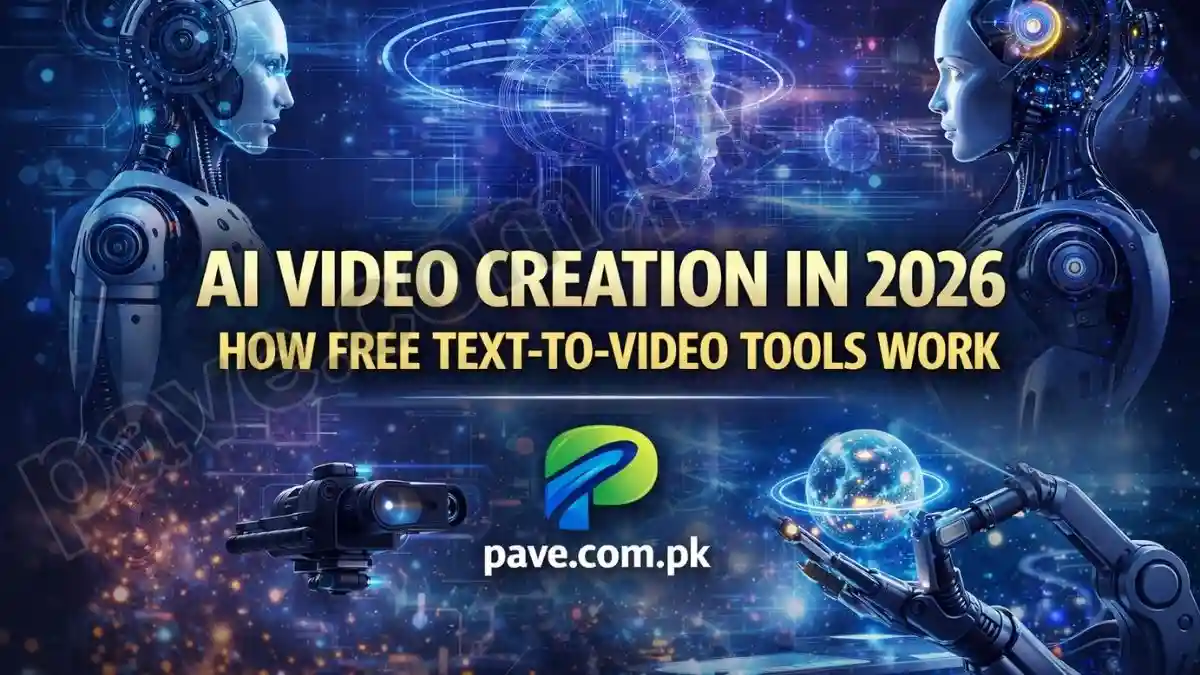
In 2026, AI video creation has crossed a critical threshold. What once looked like short, blurry experiments has now evolved into cinematic, production-ready video generation. Today’s text-to-video tools can create 2K and 4K footage, realistic human motion, consistent characters, and even synchronized sound effects using nothing more than written prompts.
This shift is not just a creative upgrade. It is changing how videos are made, who can make them, and how fast ideas turn into finished content.
This article explains how AI video creation works in 2026, the best free tools available, and how anyone can generate professional videos without paying or downloading risky APK files.
What Is Text-to-Video AI?
Text-to-video AI allows users to describe a scene in words, and the system generates a complete video from scratch. This includes:
- Visuals (camera movement, lighting, characters)
- Motion and physics (walking, falling, water, shadows)
- Audio (ambient sound, music, sometimes dialogue)
Unlike older tools that stitched stock clips together, modern AI models simulate scenes, not assemble them.

How AI Videos Are Made in 2026
1. Diffusion-Transformer Models
Most advanced tools now use Diffusion-Transformer (DiT) architectures.
Diffusion handles visual detail, while Transformers manage logic and continuity.
This is why:
- A dropped glass shatters realistically
- Characters move with correct weight and balance
- Scenes follow cause-and-effect instead of random frames
The AI understands what should happen next, not just what looks good.
2. Character Consistency With Identity Anchors
One of the biggest breakthroughs of 2026 is identity locking.
You upload a single reference image, and the AI anchors:
- Face structure
- Skin tone
- Hair and proportions
The same character remains consistent across:
- Multiple scenes
- Different lighting
- Camera angle changes
This is what finally made AI actors usable for long videos.
3. Multimodal Video + Audio Generation
Earlier AI videos were silent or poorly dubbed.
In 2026, video and audio are generated together.
If you prompt:
“Rainy night in Tokyo street”
The AI generates:
- Rain visuals
- Footstep sounds
- Echoes and ambient city noise
Everything stays perfectly in sync.

Best Free Text-to-Video AI Tools (February 2026)
These tools offer real free access, not fake trials.
🔹 Kling AI (v3.0)
Best overall free tool
- 66 free credits every day
- Up to 3-minute videos
- Start & End Frame control
- High realism and cinematic motion
Ideal for long, story-driven videos.
🔹 Luma AI – Dream Machine
Fastest generation
- High daily free usage
- Clean results in under two minutes
- Excellent for reels and viral clips
Best for speed and experimentation.
🔹 Google Veo 3.1
Best audio-aware video
- Around 100 free credits per month
- Generates dialogue and sound natively
- Strong cinematic framing
Perfect for realistic B-roll with sound.
🔹 Meta AI (Imagine Video)
Most accessible
- Built into WhatsApp and Instagram
- No credit card
- Short social clips
Great for beginners and casual creators.
🔹 InVideo AI
Script-to-video automation
- Writes script automatically
- Uses stock footage
- Adds AI voiceover
Best for YouTube explainers and faceless channels.
Step-by-Step: Create an AI Video for Free
Step 1: Write a Strong Prompt
Avoid vague prompts.
❌ “A cat walking”
✅ “Cinematic close-up of a black cat walking through a neon-lit alley at night, shallow depth of field, 4K realism, slow camera pan”
Step 2: Choose the Right Tool
- Realism → Kling AI
- Speed → Luma
- Audio → Google Veo
- Talking avatars → HeyGen
Step 3: Use Image-to-Video (Pro Tip)
Generate an image first, then animate it.
This:
- Reduces AI hallucinations
- Improves composition
- Keeps characters consistent
Step 4: Fix Errors With Inpainting
Modern tools let you:
- Highlight problem areas
- Re-generate only that section
No need to restart the entire video.
Are AI-Generated Videos Allowed on YouTube?
Yes. YouTube allows AI videos, provided:
- You own usage rights
- The content is not deceptive
- AI use is disclosed when required (news, politics)
Most creators already monetize AI-assisted content successfully.
Common Questions Answered
Is there unlimited free text-to-video AI?
No truly unlimited tool exists, but daily credit resets feel unlimited for normal use.
Can I use text-to-video AI without watermark?
Yes. Kling and Luma allow watermark-free exports on free tiers (limits apply).
Are APK downloads safe?
No. Legitimate AI video tools are browser-based. APKs often contain malware.
The Bigger Picture
In 2026, video creation is no longer about cameras or editing software.
It’s about clarity of imagination.
AI does not replace creativity.
It rewards people who can describe ideas clearly.