Complete Guide to Creating AI Videos in 2026 (Free Text to Video Tools)
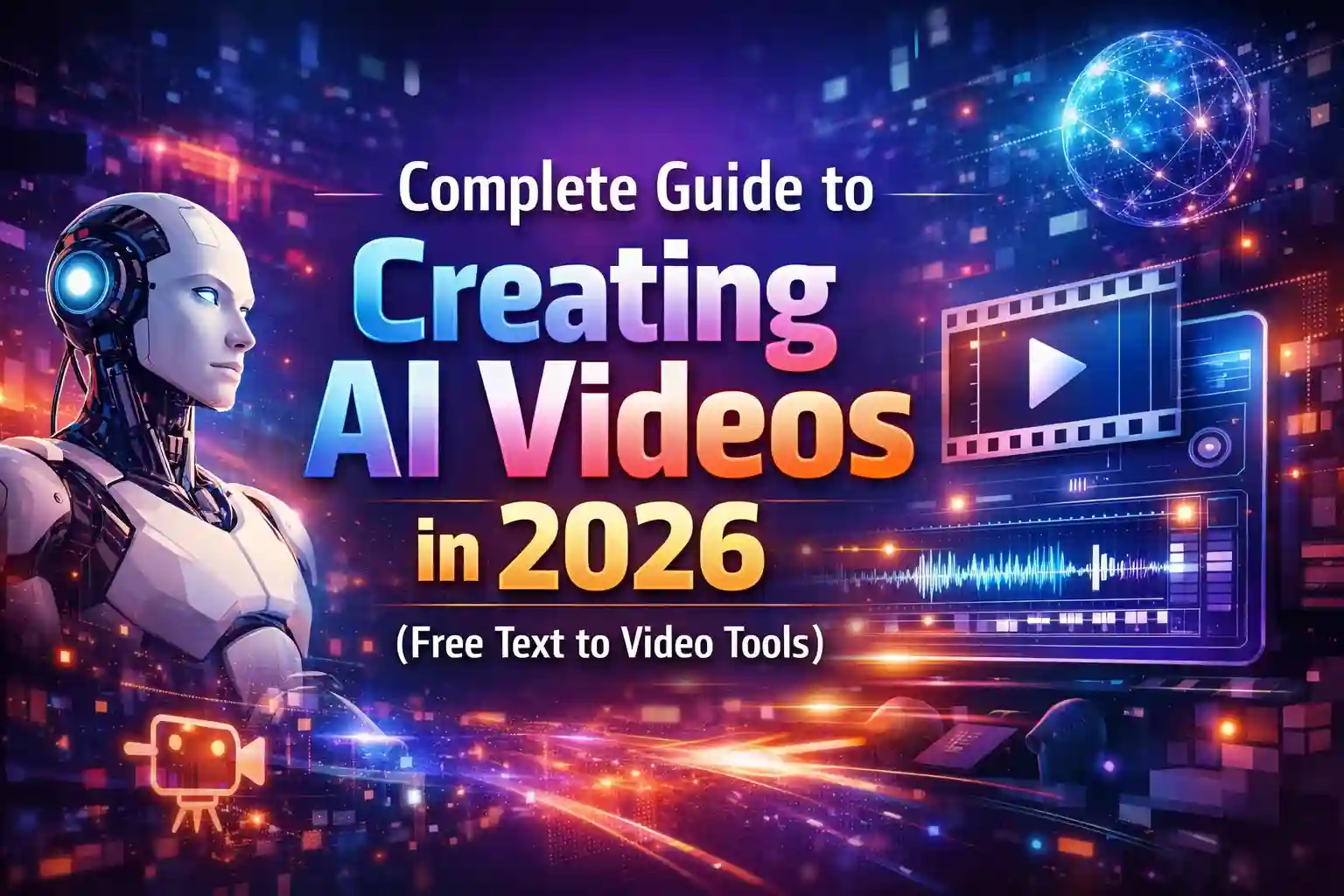
Creating AI Videos in 2026 has changed the digital world completely. In 2026, anyone can create professional-looking videos using free text-to-video AI tools—no camera, no actors, and no editing skills required. From YouTubers and bloggers to marketers and students, AI video generators are becoming the fastest way to create content.
This complete guide explains how AI text-to-video works, the best free AI video tools in 2026, and step-by-step tips to create high-quality videos without spending money.
What Is AI Text-to-Video Technology?
AI text-to-video technology allows users to convert written text into a full video automatically. You simply write a prompt or script, and AI generates:
- Video scenes
- Background visuals
- AI characters or avatars
- Voice-overs
- Animations and transitions
In 2026, AI models understand emotions, storytelling, and cinematic styles, making videos more realistic than ever.

Why AI Video Creation Is Trending in 2026
AI video tools are trending because they save time, money, and effort. Traditional video production takes hours or days, but AI videos can be created in minutes.
Key Reasons for AI Video Popularity
- No need for cameras or studios
- Perfect for faceless YouTube channels
- Ideal for social media reels and shorts
- Free tools available with powerful features
- Works on low-end computers

How AI Text-to-Video Tools Work
AI video tools follow a simple process:
- User enters text or a story prompt
- AI analyzes script meaning and tone
- Visual scenes are generated automatically
- AI voice and music are added
- Final video is rendered
Some advanced tools even allow 16:9, 9:16, and cinematic ratios, perfect for YouTube, TikTok, and Instagram.
Best Free AI Text-to-Video Tools in 2026
Below are the most popular and reliable free AI video generators available in 2026.
1. Google Veo
Google Veo is one of the most powerful AI video models in 2026. It produces cinematic-quality videos from text prompts.
Key Features
- High-resolution AI videos
- Natural motion and lighting
- Story-based scene generation
- Free access with limited usage
2. Runway
Runway is widely used by creators and filmmakers. It supports text-to-video, image-to-video, and AI effects.
Key Features
- Beginner-friendly interface
- Free plan available
- AI background removal
- Smooth animations
3. Pika Labs
Pika Labs is popular for short AI videos and cinematic clips.
Key Features
- Fast video generation
- Free credits for users
- High-quality visuals
- Perfect for social media content
4. Synthesia
Synthesia focuses on AI avatar videos and is widely used for education and business content.
Key Features
- AI human presenters
- Text-to-speech support
- Multiple languages
- Limited free usage
5. Lumen5
Lumen5 is ideal for turning articles and blogs into videos.
Key Features
- Script-to-video automation
- Free basic plan
- Perfect for news and explainer videos

Step-by-Step: How to Create AI Videos for Free
Step 1: Write a Clear Script or Prompt
Use simple language and describe:
- Scene environment
- Characters
- Emotions
- Camera style
Example:
“A cinematic sunset scene with a lonely man walking on an empty road, emotional mood, 16:9 ratio”
Step 2: Choose the Right AI Video Tool
Select tools based on your goal:
- YouTube → Google Veo / Runway
- Shorts & Reels → Pika Labs
- Education → Synthesia
Step 3: Select Video Ratio and Style
Always choose:
- 16:9 for YouTube
- 9:16 for TikTok/Reels
- Cinematic style for storytelling
Step 4: Add Voice-Over and Music
Most tools offer:
- AI male/female voices
- Background music
- Auto subtitles
Step 5: Render and Download Video
Free plans may include:
- Watermark
- Limited resolution
- Monthly limits
Still perfect for beginners.
Best Uses of AI Videos in 2026
AI videos are used in almost every field:
- YouTube automation channels
- News and explainer videos
- Motivational stories
- Educational content
- Product promotions
- Faceless earning platforms
SEO Tips for AI Video Content Creators
To rank your AI videos and articles:
- Use keyword-rich titles
- Add subtitles and captions
- Optimize video descriptions
- Use trending prompts
- Keep videos short and engaging
Advantages of Free AI Video Tools
- Zero investment required
- Beginner-friendly
- Fast content production
- Scalable for daily uploads
- Perfect for students and freelancers
Limitations of Free AI Video Tools
- Watermarks
- Limited credits
- Short video length
- Lower export resolution
Despite these limits, free tools are powerful enough to start earning online.
Future of AI Video Creation
By the end of 2026:
- AI videos will look fully realistic
- One-click movie creation will be possible
- AI storytelling will replace manual editing
- Creators will scale content faster than ever
Frequently Asked Questions (FAQs)
Is AI text-to-video really free in 2026?
Yes, many platforms offer free plans, but with limitations like watermarks or usage caps.
Which AI video tool is best for beginners?
Runway and Lumen5 are best for beginners due to simple interfaces.
Can I monetize AI-generated videos on YouTube?
Yes, as long as content follows YouTube policies and is original.
Do AI videos need editing skills?
No. AI handles most tasks automatically.
Are AI videos copyright-free?
Most platforms allow commercial use, but always check tool policies.
Final Thoughts
AI video creation in 2026 has removed all barriers for content creators. With free text-to-video tools, anyone can turn ideas into professional videos in minutes. Whether you want to grow a YouTube channel, create faceless content, or start online earning, now is the best time to start using AI video tools.