How to Make AI Videos in 2026 Using Free Text-to-Video Tools
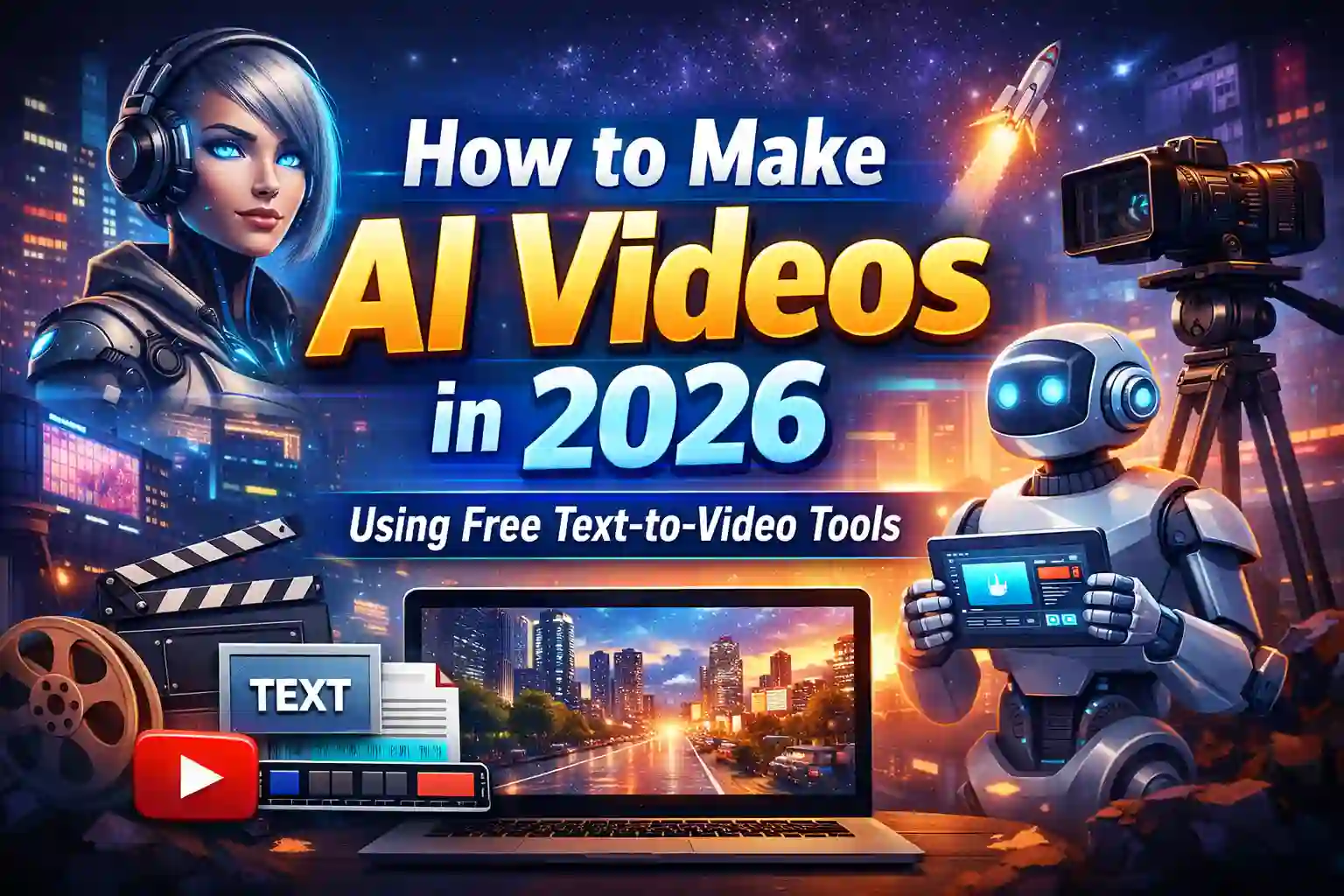
AI video creation has become one of the biggest trends in online content. In 2026, creators, students, small businesses, and news publishers are using AI tools to make professional videos without cameras or expensive editing software.
The best part is that many tools now offer free versions that allow beginners to create videos just by typing text. No filming, no actors, and no advanced editing skills required.
If you want to start making AI videos for YouTube, TikTok, websites, or social media, this guide explains everything in simple steps.
Short News Summary: AI Video Creation Boom
• AI video tools are now widely used in news media, marketing, and education.
• Text-to-video platforms allow users to create videos in minutes.
• Many free tools now provide HD quality videos and AI voiceovers.
• Content creators in Pakistan and worldwide are shifting toward AI video production to reduce costs.
What Is Text-to-Video AI?
Text-to-video AI tools convert written text into video automatically. You provide a script or idea, and the AI generates:
- Video scenes
- Animations or stock visuals
- Voice narration
- Background music
- Subtitles
- Scene transitions
The AI handles editing and video creation.
So instead of recording yourself, you simply write what you want to say.

Why AI Videos Are Popular in 2026
There are several reasons why AI videos are dominating content platforms:
Low Production Cost
No cameras, studio, or editing team required.
Faster Content Creation
Videos can be produced in minutes instead of days.
No Technical Skills Needed
Anyone can create videos using simple prompts.
Perfect for Social Media
Short AI videos work well for YouTube Shorts, TikTok, Instagram Reels, and Facebook videos.
Ideal for Small Businesses
Local shops, startups, and freelancers can create marketing videos without high budgets.

Best Free Text-to-Video Tools in 2026
Many platforms offer free access with limited exports or watermarks. These are commonly used free options:
1) Runway ML
Good for AI video generation and editing. Offers free credits for beginners.
2) Pika Labs
Popular for creating animated AI videos from text prompts.
3) Luma AI Video
Creates cinematic style videos from text.
4) Canva AI Video Generator
Easy option for beginners with templates and AI support.
5) CapCut AI Tools
Widely used for social media videos with AI features.
Free versions are enough for learning and creating beginner content.
Step-by-Step Guide to Make AI Videos
Let’s walk through the full process.
Step 1: Choose a Video Topic
Decide what your video will be about:
- News updates
- Educational content
- Product promotion
- Motivational videos
- Tech reviews
- Storytelling content
Clear topics help AI generate better videos.
Step 2: Write a Simple Script
Write what the video will say.
Example:
“AI technology is changing how videos are created. Today anyone can make professional videos using free tools.”
Keep sentences short and clear.
Step 3: Open a Free AI Video Tool
Sign up on a free platform and open the text-to-video option.
Paste your script or prompt.
Step 4: Customize Video Style
Most tools allow choices like:
- Animation style
- Realistic scenes
- Cartoon style
- Cinematic look
- Social media format
Select the style matching your audience.
Step 5: Add AI Voice or Subtitles
Choose:
- AI voice narration
- Subtitle text
- Background music
Clear audio improves viewer engagement.
Step 6: Generate and Export Video
Click generate and wait for the AI to create scenes.
Download the video once complete.
Free tools may include a watermark, but they are good for practice.

Tips to Create Better AI Videos
Good prompts create better videos. Follow these tips:
Be Specific in Prompts
Instead of writing:
“City scene”
Write:
“Busy modern city street at night with traffic lights and people walking”
Use Short Scenes
Short scenes improve viewer attention.
Add Human Touch
Add voice emotion or storytelling style.
Edit After Generation
Use simple editing tools to trim or improve pacing.
Follow Platform Trends
Short videos under 60 seconds work best on social media.
Best Video Ideas for Beginners
If you’re starting, try these ideas:
- Daily news summaries
- Tech tips videos
- Educational explainers
- Motivational quotes
- History facts
- Business promotions
- AI storytelling videos
- Health awareness clips
These formats work well with AI tools.
How Creators Are Earning from AI Videos
Many creators now earn income using AI videos through:
YouTube Monetization
AI-generated educational or news videos are popular.
Social Media Brand Deals
Short AI videos attract brands.
Freelance Video Services
Offer AI video creation services to clients.
Affiliate Marketing
Promote products using AI videos.
AI tools reduce production cost and increase content output.
Challenges of AI Video Creation
Despite advantages, some challenges remain:
• Free versions have limited exports.
• AI scenes sometimes look unrealistic.
• Copyright rules may vary by platform.
• Too much automation can reduce creativity.
Human creativity still matters.
Future of AI Video Creation
Experts expect in coming years:
- Realistic AI actors will appear.
- Full movie scenes may be generated by prompts.
- Personalized video ads will grow.
- Automated news and education videos will increase.
AI video creation will become normal for online content.
Final Thoughts – How to Make AI Videos in 2026 Using Free Text-to-Video Tools
In 2026, making AI videos has become easier than ever. Free text-to-video tools allow anyone to produce professional content without cameras or editing skills.
The key to success is creativity, good storytelling, and consistent posting.
Start experimenting with free tools, learn prompt writing, and improve your content step by step.
The earlier you start, the better advantage you gain in the growing AI content space.