How to Pay E-Challan Online via ATM / Mobile Banking in Pakistan 2026 Guide
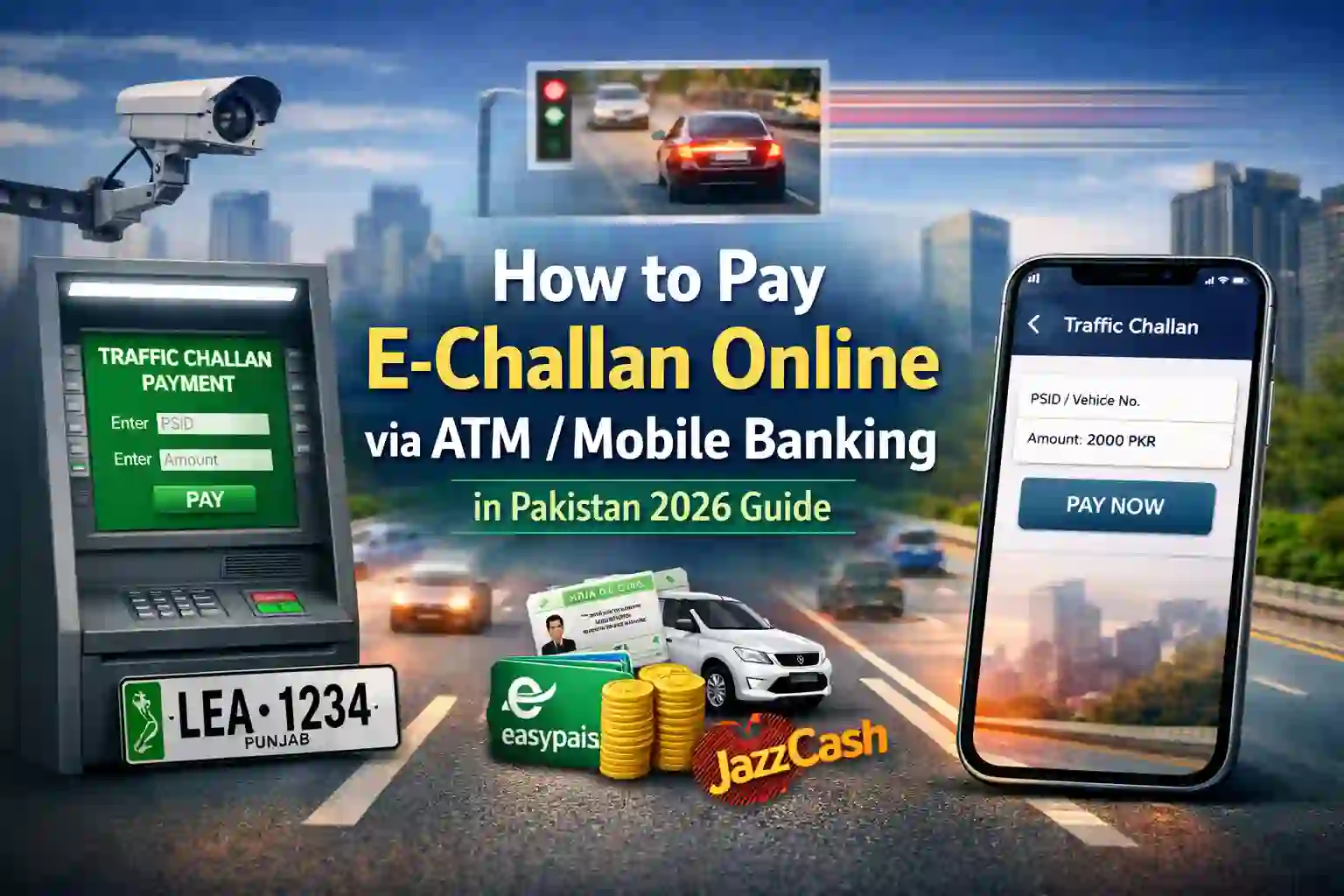
Traffic fine payment in Pakistan has become much easier over the last few years. Instead of visiting traffic offices or standing in long bank lines, citizens can now pay their traffic fines digitally through ATM machines, mobile banking apps, internet banking, and mobile wallets.
In 2026, most traffic violations are recorded automatically through Safe City cameras, and fines are issued digitally as E-Challan. Many vehicle owners still don’t know how to check or pay these challans online. As a result, unpaid fines sometimes create problems during vehicle transfer, token tax renewal, or police checks.
This guide explains everything step by step in simple language so anyone can pay their challan easily from home.
What Is an E-Challan in Pakistan?
An E-Challan is an electronic traffic fine issued when a vehicle violates traffic rules. Instead of a warden stopping vehicles manually, modern camera systems record violations automatically.
Common violations include:
- Over-speeding
- Crossing red signals
- Illegal parking
- Wrong lane driving
- One-way violations
- Helmet or seatbelt violations
The challan is linked with your vehicle registration number and CNIC details. A notice may arrive by SMS or post, but even if you do not receive one, the challan still exists in the system.
Therefore, checking challan status online regularly is important.

Why Paying E-Challan on Time Is Important
Ignoring traffic challans can lead to future problems. Many people realize pending challans only when they try to sell or transfer their vehicle.
Possible issues include:
- Delay in vehicle transfer
- Problems during token tax renewal
- Fines during traffic checking
- Accumulation of multiple penalties
- Legal action in serious cases
Paying online quickly avoids these problems and keeps records clear.

Step 1: How to Check Your E-Challan Online
Before payment, you must check whether any challan is pending.
Punjab Cities (Lahore, Rawalpindi, Multan, Faisalabad, etc.)
- Open official PSCA E-Challan website.
- Enter your vehicle number or CNIC number.
- Click search.
- System shows pending and paid challans.
- Note down PSID or Challan ID and fine amount.
Sindh (Karachi and other cities)
Visit Sindh Police challan portal and search using vehicle number or CNIC.
Islamabad
Islamabad Traffic Police also provides online challan checking through its official portal.
Checking challan status takes less than one minute.

Step 2: Information Needed Before Payment
Prepare the following details:
- Vehicle registration number
- CNIC number
- Challan number or PSID
- ATM card or mobile banking app
- Internet access
- Available balance in account or wallet
Double-checking details avoids payment errors.

Step 3: How to Pay E-Challan Using ATM Machine
If you prefer physical payment but want to avoid bank queues, ATM payment is a good option.
Most ATMs in Pakistan operate on the 1-Link network, which supports government payments.
ATM Payment Steps
- Visit any nearby ATM.
- Insert debit/ATM card.
- Enter PIN.
- Select Bill Payments or Government Payments.
- Choose Traffic Challan Payment.
- Enter challan number or PSID.
- Amount will appear automatically.
- Confirm payment.
- Collect printed receipt.
Always keep the receipt until the challan status updates online.
Step 4: Paying Challan Through Mobile Banking Apps
Mobile banking apps are now the most popular payment method in Pakistan. Almost all major banks support challan payment.
General Payment Method
- Open bank mobile app.
- Login securely.
- Tap Payments or Bill Payments.
- Select Government Payments.
- Choose Traffic Challan or PSCA option.
- Enter PSID or vehicle details.
- Verify fine amount.
- Tap Pay Now.
- Save digital receipt.
Banks Supporting Challan Payment
Most customers successfully pay challans through:
- HBL Mobile
- UBL Digital
- Meezan Bank App
- Bank Alfalah App
- NBP Digital App
- MCB Live App
- Standard Chartered App
Menu names may slightly differ but process remains similar.
Step 5: Paying Through Easypaisa or JazzCash
Mobile wallets are very popular for quick payments, especially for users without bank accounts.
Easypaisa Payment Steps
- Open Easypaisa app.
- Go to Bill Payments.
- Choose Government Payments.
- Select Traffic Challan.
- Enter PSID or vehicle number.
- Confirm amount.
- Pay from wallet balance.
- Save receipt.
JazzCash Payment Steps
- Open JazzCash app.
- Tap Government Payments.
- Select Traffic Challan.
- Enter vehicle or PSID details.
- Confirm fine.
- Pay using wallet.
- Save confirmation.
Wallet payment is quick and useful when traveling.
Step 6: Using ePay Punjab System
Punjab government also provides ePay Punjab, which allows payment of multiple government services including challans.
Process:
- Generate PSID through ePay portal or app.
- Use mobile banking, ATM, or wallet to pay PSID.
- Payment updates automatically.
ePay is commonly used for taxes, vehicle registration fees, and challans.
Step 7: Confirm Payment Status
After payment, always confirm that challan status changes to Paid.
Steps:
- Revisit challan checking portal.
- Enter vehicle or CNIC number.
- Status should show paid.
If status remains pending after 24 hours, contact your bank or traffic authority with receipt.
Common Problems During Payment
Some users face issues while paying challans online. Common problems include:
Payment Not Updating
Sometimes system updates slowly. Wait a few hours before worrying.
Wrong Vehicle Number
Typing errors may cause payment failure.
Low Wallet Balance
Ensure sufficient funds before paying.
Internet Connection Issues
Use stable internet for mobile app payments.
Safety Tips for Online Challan Payment
Digital fraud attempts are increasing. Keep these tips in mind:
- Use official government portals only.
- Do not click unknown SMS links.
- Never share banking PIN or OTP.
- Verify payment details before confirming.
- Keep transaction receipts.
Being careful prevents online fraud.
Benefits of Online Challan Payment
Online payment systems provide several benefits:
- No need to visit traffic office
- Saves travel time
- Payment possible 24/7
- Digital record available anytime
- Faster processing
- Convenient for working professionals
Government digital payment systems continue improving each year.
Short News Summary: Digital Traffic System Expansion in 2026
In 2026, Safe City camera networks are expanding to more Pakistani cities to improve traffic discipline. Authorities report increased online challan payments as citizens prefer digital payment methods over physical visits.
Officials say future upgrades will allow instant SMS notifications and faster system updates. More banks and payment apps are also integrating government payment services.
This move aims to reduce manual corruption and improve traffic management nationwide.
Final Thoughts – How to Pay E-Challan Online via ATM / Mobile Banking in Pakistan 2026 Guide
Paying traffic E-Challan in Pakistan is now easier than ever. Whether you choose ATM machines, mobile banking apps, or wallets like Easypaisa and JazzCash, the process takes only a few minutes.
The key steps remain simple:
- Check challan online.
- Note PSID or challan number.
- Pay using ATM, banking app, or wallet.
- Confirm payment status.
Regularly checking your vehicle record helps avoid unexpected fines and legal issues.
Digital payment systems are improving every year, making life easier for drivers across Pakistan.