New WhatsApp Feature: Custom Audience Lists for Better Privacy Control
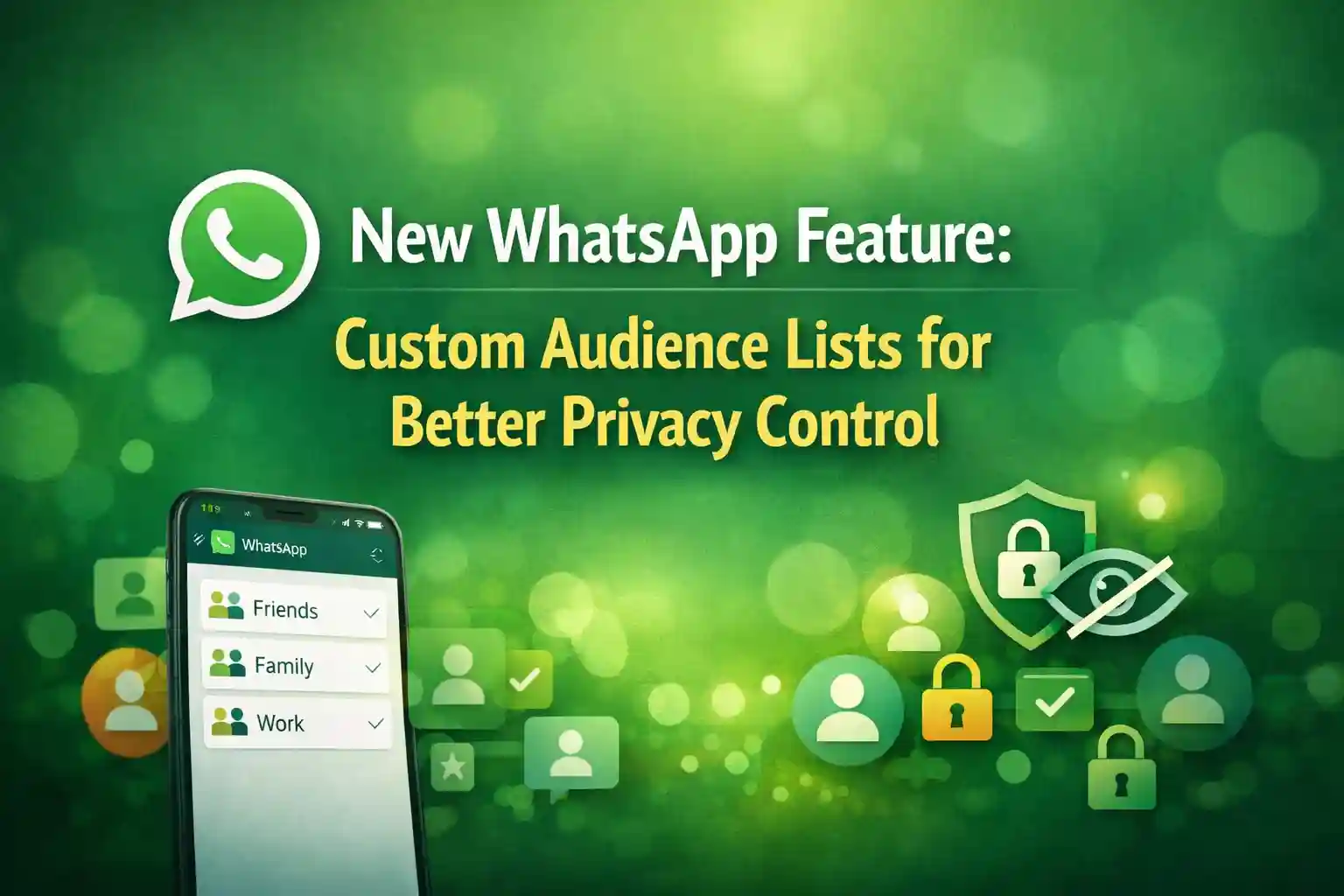
New WhatsApp Feature has become one of the most important concerns for users of messaging apps. With billions of people relying on instant messaging for personal and professional communication, users want more control over who can see their information and updates. Addressing this growing demand, WhatsApp has introduced a powerful new feature called Custom Audience Lists, designed to offer better privacy control and a more personalized sharing experience.
This new WhatsApp feature allows users to decide exactly who can see their Status updates, profile details, and shared content—without the need to constantly change privacy settings. In this article, we’ll explore what Custom Audience Lists are, how they work, why they matter, and how they improve privacy for millions of WhatsApp users worldwide.
What Is the New WhatsApp Custom Audience Lists Feature?
The Custom Audience Lists feature on WhatsApp is a privacy tool that lets users create specific groups of contacts and choose who can view their content. Instead of relying on basic privacy options like “Everyone,” “My Contacts,” or “Nobody,” users can now design customized lists for different audiences.
For example, you can create separate lists for:
- Family members
- Close friends
- Office colleagues
- Clients or business contacts
Once these lists are created, users can select them whenever they post a Status update or manage profile visibility. This makes content sharing more intentional and secure.

Why WhatsApp Introduced Custom Audience Lists for Privacy Control
Over the years, WhatsApp users have requested more flexible privacy settings. Many people don’t want all contacts to see everything they post, especially as contact lists grow with coworkers, clients, and distant acquaintances.
The main reasons behind this new WhatsApp privacy feature include:
- Increasing privacy concerns among users
- Blurring lines between personal and professional contacts
- Demand for more granular control over shared content
- Rising awareness about digital safety and data protection
By introducing Custom Audience Lists, WhatsApp is responding directly to these user needs while staying competitive with other social platforms that already offer similar controls.

How Custom Audience Lists Work on WhatsApp
Using Custom Audience Lists is simple and user-friendly. WhatsApp has designed the feature to fit naturally into its existing privacy system.
Step-by-Step Overview:
- Open WhatsApp and go to Settings
- Navigate to Privacy
- Select Custom Audience Lists
- Create a new list and add selected contacts
- Name the list (e.g., “Family Only” or “Work Circle”)
- Choose this list when sharing Status updates or setting visibility
Once created, these lists can be reused anytime, saving users from repeatedly selecting contacts.

Key Benefits of WhatsApp Custom Audience Lists
1. Enhanced Privacy Control
This feature ensures that sensitive or personal updates are only visible to trusted people. Users no longer need to worry about oversharing with the wrong audience.
2. Better Content Management
Users can post different types of content for different audiences. For instance, personal photos for family and professional updates for colleagues.
3. Time-Saving and Convenient
Instead of manually selecting contacts every time, pre-made lists make sharing faster and easier.
4. Reduced Social Pressure
Users feel more comfortable sharing when they know exactly who can see their updates.

Custom Audience Lists vs Traditional WhatsApp Privacy Settings
Before this update, WhatsApp offered limited privacy options:
- Everyone
- My Contacts
- My Contacts Except…
While useful, these options lacked flexibility. Custom Audience Lists go a step further by allowing positive selection (who can see), rather than just exclusion.
| Feature | Old Privacy Settings | Custom Audience Lists |
|---|---|---|
| Audience Control | Limited | Highly flexible |
| Reusable Lists | No | Yes |
| Personalization | Basic | Advanced |
| Time Efficiency | Low | High |
Impact on WhatsApp Status Sharing
WhatsApp Status is one of the most used features on the platform. With Custom Audience Lists, Status sharing becomes more meaningful and secure.
Users can now:
- Share family moments privately
- Post office-related updates only for colleagues
- Avoid awkward situations caused by mixed audiences
This feature encourages more engagement, as users feel safer expressing themselves.
How This Feature Improves Digital Privacy Overall
Privacy is not just about hiding content—it’s about control. Custom Audience Lists empower users to take ownership of their digital presence.
This feature helps:
- Prevent unwanted viewers
- Reduce misuse of shared content
- Encourage responsible sharing habits
- Align with global data protection trends
As privacy regulations become stricter worldwide, features like this position WhatsApp as a privacy-focused messaging platform.
Availability and Rollout of Custom Audience Lists
WhatsApp is gradually rolling out the Custom Audience Lists feature. It may initially be available to:
- Beta users
- Selected regions
- Latest app versions on Android and iOS
Users are advised to keep their WhatsApp app updated to access the feature as soon as it becomes available in their region.
Use Cases of WhatsApp Custom Audience Lists
Personal Use
- Sharing vacation photos only with family
- Posting life updates for close friends
Professional Use
- Sending announcements to work contacts
- Sharing business-related Status updates
Privacy-Sensitive Users
- Avoiding exposure to unknown contacts
- Maintaining boundaries between social circles
Potential Future Enhancements
Experts believe WhatsApp may expand this feature further by:
- Adding audience analytics
- Allowing temporary audience lists
- Integrating lists with Communities and Channels
These upgrades could make WhatsApp even more customizable and privacy-focused.
FAQs – New WhatsApp Custom Audience Lists Feature
What are Custom Audience Lists on WhatsApp?
Custom Audience Lists are privacy tools that allow users to create specific contact groups and control who can see their Status updates and profile information.
Is the Custom Audience Lists feature available to everyone?
The feature is being rolled out gradually and may not be available to all users yet.
Can I edit or delete a Custom Audience List?
Yes, users can edit, rename, or delete lists anytime from WhatsApp privacy settings.
Does this feature affect WhatsApp messages?
No, Custom Audience Lists currently focus on Status and visibility settings, not private chats.
Is my data safe with this new WhatsApp feature?
Yes, WhatsApp maintains end-to-end encryption, and Custom Audience Lists only enhance visibility control.
Conclusion
The New WhatsApp Feature: Custom Audience Lists for Better Privacy Control marks a significant step toward empowering users with smarter privacy options. By allowing precise audience selection, WhatsApp has made content sharing safer, more flexible, and more intentional.
As digital communication continues to evolve, features like Custom Audience Lists show that privacy is no longer optional—it’s essential. Whether you’re a casual user or a professional, this update gives you the freedom to share on your own terms.