DIRBS PTA gov pk Online Registration 2026 – How to Submit New Mobile PTA Request
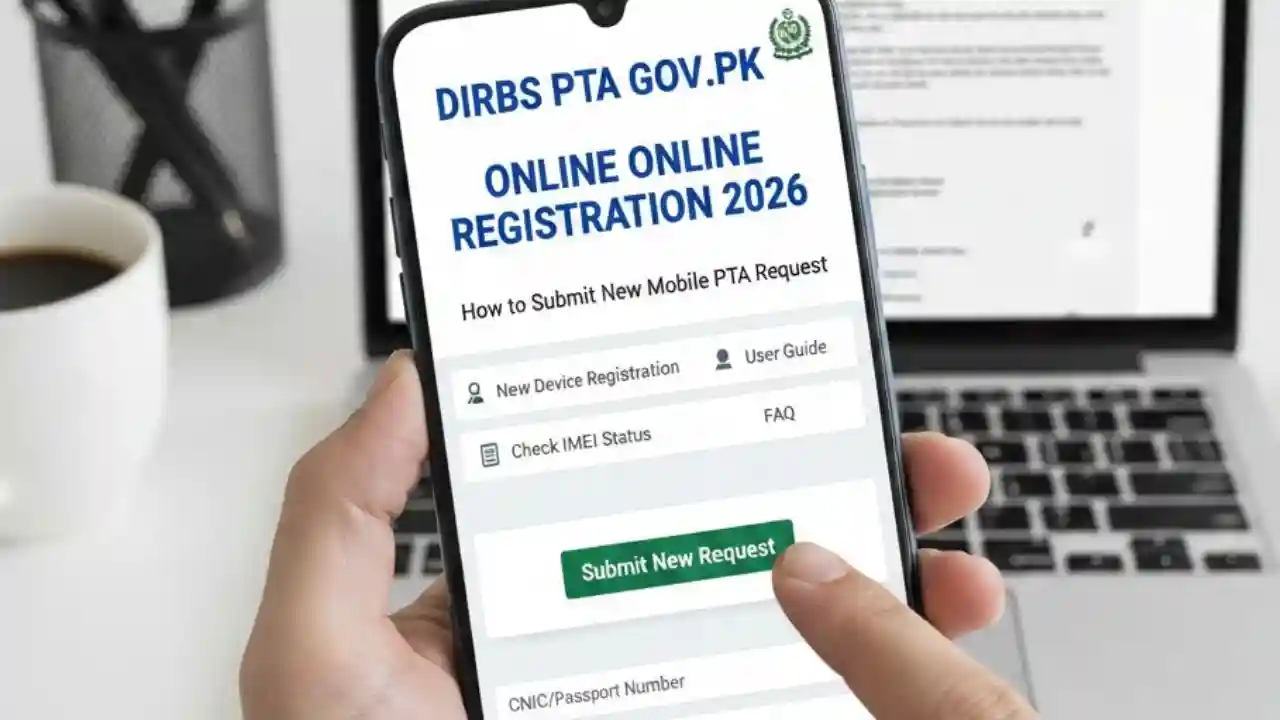
DIRBS PTA gov pk Online Registration 2026 has become stricter to curb the use of smuggled and unregistered devices. The Pakistan Telecommunication Authority (PTA) has introduced the Device Identification Registration and Blocking System (DIRBS) to regulate and monitor all mobile devices. Whether you are buying a new phone or bringing one from abroad, DIRBS PTA gov pk online registration 2026 is now mandatory for activating your device. This article will guide you on how to submit a new mobile PTA request online, step by step, while addressing common queries.
What is DIRBS PTA gov pk Online Registration 2026?
DIRBS, or Device Identification Registration and Blocking System, is an initiative by the PTA to prevent the use of illegal or unregistered mobile devices in Pakistan. With the new 2026 guidelines, all mobile phones used in Pakistan must be registered through the official DIRBS portal at dirbs.pta.gov.pk before they can connect to cellular networks.
DIRBS registration ensures that your mobile device is legally compliant, safe to use, and not blocked due to smuggling or theft. The system automatically checks devices through their IMEI number, which is a unique identifier for every phone.

Why DIRBS Registration is Mandatory in 2026
PTA has made DIRBS online registration mandatory to:
- Prevent smuggling of mobile devices into Pakistan.
- Protect consumers from counterfeit and unsafe devices.
- Ensure mobile devices meet local telecom standards.
- Allow users to legally use their phones on local networks without interruption.
Devices that are not registered can be blocked after a grace period, which can result in loss of connectivity. This makes DIRBS PTA registration essential for all new and imported mobile phones.

How to Check if Your Mobile Requires PTA Registration
Before submitting a request, it’s important to check whether your device is already registered or requires DIRBS registration. You can do this in the following ways:
- Through SMS:
- Dial
*8484#from your mobile. - Enter your IMEI number.
- You will receive an instant message confirming whether your device is compliant or non-compliant.
- Dial
- Through DIRBS Website:
- Visit https://dirbs.pta.gov.pk.
- Enter your IMEI number in the verification tool.
- Check the registration status online.

Steps for DIRBS PTA gov pk Online Registration 2026
Follow these steps to submit a new mobile PTA request online:
Step 1: Locate Your IMEI Number
- Dial
*#06#on your mobile device. - Note down the IMEI number, which is usually 15 digits.
- Keep this number handy, as it will be required for registration.
Step 2: Visit the DIRBS Portal
- Go to the official website: dirbs.pta.gov.pk.
- Navigate to the Device Registration section.
Step 3: Submit a New Mobile Registration Request
- Choose “New Device Registration”.
- Enter your IMEI number, personal details, and contact information.
- If the device is imported, provide the purchase invoice or customs declaration.
Step 4: Verify Your Details
- Double-check all information before submission.
- Ensure your IMEI number matches the number on the device and invoice.
Step 5: Complete Payment (if applicable)
- Some devices, especially those imported personally, may require a custom duty fee.
- Payments can usually be made online via bank or mobile wallet services.
Step 6: Receive Confirmation
- After submission, you will receive a confirmation SMS on your registered mobile number.
- The device will be cleared and allowed on local mobile networks within 24–48 hours.

Common Issues in DIRBS Online Registration
While submitting a new mobile PTA request, users may face common issues:
- IMEI Not Found:
- Ensure you are entering the correct 15-digit IMEI number.
- Some devices may require software updates before registration.
- Device Already Registered:
- If your device was previously registered in another country, you may need additional proof of ownership.
- Custom Duty Payment Issues:
- Payments must be completed using verified banking channels to avoid rejection.
- Portal Downtime:
- During high traffic, the DIRBS website may experience downtime. Retry after some time.
How to Register Imported Mobile Phones
If you are bringing a phone from abroad, follow these steps:
- Ensure the device is not blacklisted.
- Visit DIRBS PTA portal.
- Choose Imported Device Registration.
- Enter your IMEI and attach a customs declaration form.
- Pay the required customs duty.
- Confirm registration and wait for PTA approval.
DIRBS PTA gov pk Registration for New Devices
For brand new phones purchased from local shops:
- Most authorized retailers now handle DIRBS registration at the point of sale.
- Always verify that the device is being registered before taking it home.
- Keep your invoice as proof of purchase, as it may be required in case of discrepancies.
Benefits of DIRBS PTA Registration
- Ensures your device is legally recognized.
- Protects you from potential network blockage.
- Helps in recovering lost or stolen phones.
- Contributes to national efforts against mobile device smuggling.
FAQs on DIRBS PTA gov pk Online Registration 2026
Q1: What is the DIRBS PTA registration fee?
A1: Local devices purchased from authorized retailers are usually free of charge. Imported devices may require customs duty fees depending on the phone’s value.
Q2: How long does it take for PTA to approve a new device?
A2: Most devices are cleared within 24–48 hours after submission.
Q3: Can I use my unregistered phone in Pakistan?
A3: You can temporarily use it, but after the grace period, unregistered devices will be blocked by PTA and lose network connectivity.
Q4: How can I check my IMEI status?
A4: Dial *8484# or visit https://dirbs.pta.gov.pk and enter your IMEI number.
Q5: Is DIRBS registration required for all mobile brands?
A5: Yes, all mobile phones, including Samsung, iPhone, Huawei, Xiaomi, and others, must be registered.
Conclusion
The DIRBS PTA gov pk online registration 2026 system ensures that every mobile device in Pakistan is legally compliant and safe for use. By following the step-by-step guide, users can easily submit a new mobile PTA request, whether for a local or imported device. Always verify your IMEI, complete payments if required, and check the portal for confirmation. This process not only protects you as a user but also supports Pakistan’s efforts to regulate the telecommunications market.