How to Access Complaint FIA Gov PK Portal & Login
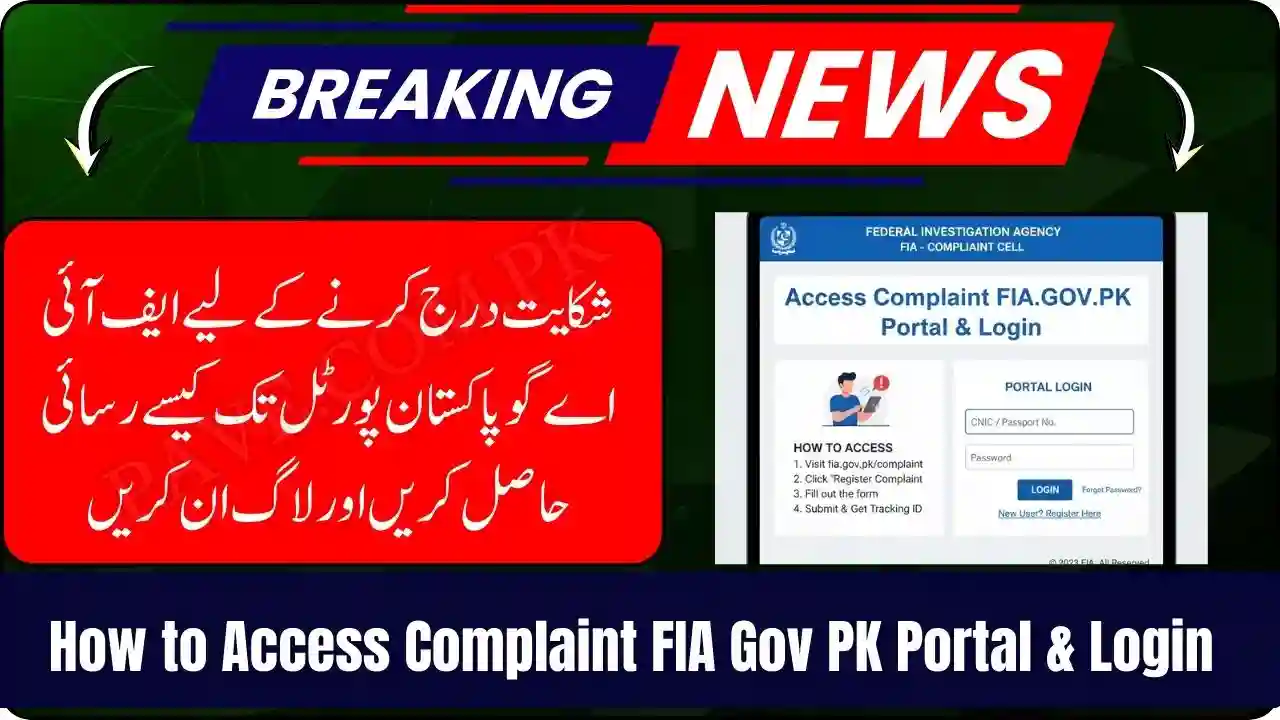
How to Access Complaint FIA Gov PK Portal & Login, particularly in cases of cybercrime, fraud, terrorism, human trafficking, and other criminal activities. With the rise of technology and online complaints, the FIA Gov PK Complaint Portal has made it convenient for citizens to file complaints online, track their progress, and receive updates without visiting FIA offices physically.
In this guide, we will cover how to access the Complaint FIA Gov PK Portal and login, step-by-step procedures, important tips, and frequently asked questions.
What is the FIA Complaint Portal?
The FIA Complaint Portal (complaint.fia.gov.pk) is an official online platform launched by the Federal Investigation Agency of Pakistan to facilitate citizens in lodging complaints electronically. This portal allows individuals to report cybercrimes, identity theft, financial fraud, scams, harassment, and other criminal activities directly to the FIA.
The main features of the portal include:
- Online Complaint Submission: File complaints without visiting the office.
- Track Complaint Status: Check the progress of your complaint online.
- Secure Communication: Ensures confidentiality of personal information.
- Support & Guidance: Access information about complaint types and required documents.

Types of Complaints You Can File
The FIA Complaint Portal accepts multiple categories of complaints. Some of the main types include:
- Cybercrime Complaints – Online fraud, hacking, phishing attacks, and social media harassment.
- Fraud & Financial Scams – Banking fraud, fake investment schemes, online scams.
- Human Trafficking & Kidnapping – Cases of forced labor or abduction.
- Terrorism-Related Complaints – Threats or activities related to terrorism.
- Identity Theft & Personal Data Breach – Unauthorized use of personal information.
- Corruption & Malpractices – Government or private sector corruption.
Each complaint category requires specific details and supporting documents for successful submission.

Step-by-Step Guide: How to Access Complaint FIA Gov PK Portal
Accessing the FIA Gov PK Complaint Portal is simple if you follow these steps carefully:
Step 1: Open Your Web Browser
Open a web browser on your computer or mobile device. The portal works on all major browsers like Google Chrome, Mozilla Firefox, Microsoft Edge, and Safari.
Step 2: Visit the Official Portal
Enter the official portal URL in the browser address bar:
https://complaint.fia.gov.pk
Press Enter to open the website. Ensure that you are on the authentic website to avoid phishing attacks.
Step 3: Navigate to the Complaint Section
On the homepage, you will find different options like File a Complaint, Track Complaint, Login, and FAQ. Click on File a Complaint if you are submitting a new complaint.
Step 4: Registration / Login
To access the full features of the portal, including tracking, you need to register or login.
How to Register:
- Click Register on the login page.
- Enter your Full Name, CNIC Number, Email Address, and Mobile Number.
- Create a strong password and confirm it.
- Accept the terms and conditions.
- Click Submit. You will receive a confirmation code via SMS or email.
- Enter the code to verify your account.
How to Login:
- After registration, return to the login page.
- Enter your registered email or CNIC and password.
- Click Login to access your account.

How to File a Complaint Online
Once logged in, follow these steps to file your complaint:
- Select the type of complaint from the provided categories.
- Fill in the required details, including date, location, involved parties, and incident description.
- Upload supporting documents or evidence (e.g., screenshots, emails, transaction receipts).
- Review your information carefully.
- Click Submit to lodge your complaint.
You will receive a Complaint Reference Number. Save this number for future tracking.

How to Track Your Complaint Status
After submitting a complaint, you can track its progress:
- Visit the FIA Complaint Portal.
- Click on Track Complaint.
- Enter your Complaint Reference Number and CNIC.
- Click Submit.
- You will see the current status of your complaint, updates, and any additional instructions from FIA officers.
Tips for Using the FIA Complaint Portal
- Always use a secure internet connection to protect your personal data.
- Keep copies of all documents and screenshots related to your complaint.
- Provide accurate and detailed information to avoid delays.
- Check your email and SMS regularly for updates from the FIA.
- Avoid multiple submissions of the same complaint; instead, update your complaint if necessary.
Benefits of Using the FIA Complaint Portal
The online portal offers numerous advantages for citizens:
- Saves time and avoids visiting FIA offices physically.
- Enables 24/7 access to report crimes.
- Provides a secure channel for sensitive complaints.
- Improves efficiency in handling and tracking complaints.
- Promotes transparency in the complaint management system.
Common Issues While Logging in
Some users may face difficulties while accessing or logging into the portal. Common problems include:
- Forgotten Password: Use the “Forgot Password” link to reset it via email or SMS.
- Incorrect CNIC or Email: Ensure you are entering the same details used during registration.
- Browser Compatibility: Clear cache or try a different browser.
- Portal Downtime: If the portal is under maintenance, wait and try again later.
Frequently Asked Questions (FAQs)
1. Is the FIA Complaint Portal free to use?
Yes, filing complaints through the FIA Gov PK Portal is completely free of charge.
2. Can I file a complaint anonymously?
No, the FIA requires accurate personal information to process your complaint. However, your information remains confidential.
3. How long does it take for the FIA to respond?
The response time varies depending on the complaint type, complexity, and evidence submitted. Minor complaints may be addressed within a few days, while complex cases may take longer.
4. Can I submit complaints from outside Pakistan?
Yes, the portal is accessible internationally, but you must provide a valid CNIC or reference number for tracking.
5. How can I contact FIA for further assistance?
You can contact FIA through their helpline numbers, email support, or visit the nearest FIA office if necessary.
Conclusion
The Complaint FIA Gov PK Portal has revolutionized the way citizens report criminal activities, ensuring convenience, transparency, and efficiency. By following the steps outlined in this guide, anyone can access the portal, login, file complaints, and track their progress securely. This digital initiative not only saves time but also helps the FIA handle complaints more systematically, making Pakistan a safer place for its citizens.
Whether you are reporting cybercrime, financial fraud, human trafficking, or any other criminal activity, using the official FIA portal ensures your complaint is formally recorded, monitored, and addressed.