How to Download and Submit Complain via PTA CMS App
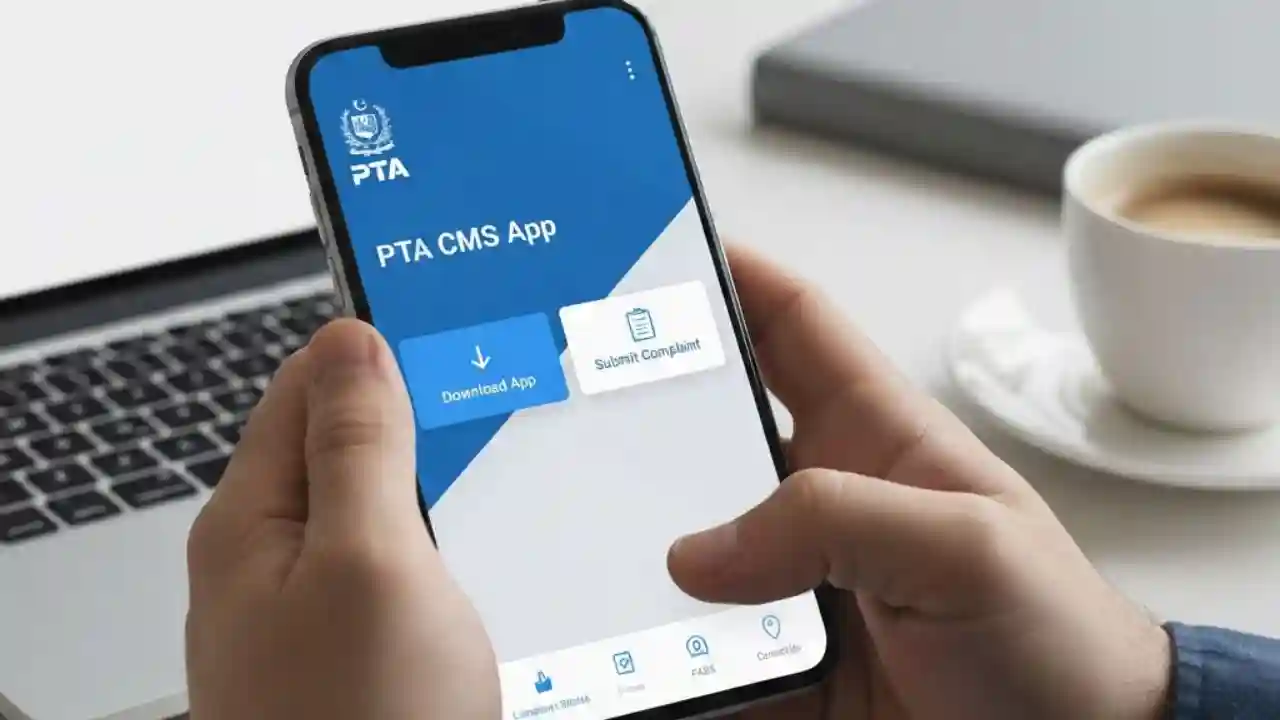
How to Download and Submit Complain via PTA CMS App has become easier than ever. The PTA CMS App is an official platform by the Pakistan Telecommunication Authority (PTA) that allows citizens to submit complaints regarding mobile networks, internet services, spam messages, and other telecom-related issues.
This provides a detailed guide on how to download and submit complaints via the PTA CMS App, along with tips, FAQs, and important information for users in Pakistan.
What is PTA CMS App?
The PTA CMS App (Citizen Mobile Service App) is designed to empower Pakistani citizens to report telecom and cyber-related issues efficiently. With this app, users can:
- File complaints about mobile and internet services.
- Report unsolicited calls and spam SMS.
- Lodge complaints about SIM registration or unregistered numbers.
- Track the status of submitted complaints.
The PTA CMS App is part of PTA’s efforts to enhance digital governance and provide a streamlined complaint management system. It ensures that citizens can interact with the authority without visiting offices in person.

How to Download PTA CMS App
Downloading the PTA CMS App is straightforward and can be done on both Android and iOS devices.
For Android Users
- Open the Google Play Store on your smartphone.
- Search for “PTA CMS App” in the search bar.
- Locate the official app published by Pakistan Telecommunication Authority.
- Tap Install and wait for the download to complete.
- Open the app and allow necessary permissions for proper functionality.
For iOS Users
- Open the Apple App Store on your iPhone.
- Type “PTA CMS App” in the search box.
- Find the official app by PTA and tap Get.
- Authenticate using your Apple ID, then wait for installation.
- Launch the app and enable permissions as prompted.
Note: Make sure to download the official PTA CMS App to avoid fraudulent apps that may misuse your personal information.

Registration and Login in PTA CMS App
Once the app is downloaded, you need to register an account to submit complaints. Here’s how:
- Open the PTA CMS App.
- Select Register or Sign Up.
- Enter your CNIC (Computerized National Identity Card) number.
- Provide a valid mobile number for OTP verification.
- Create a strong password and confirm it.
- Enter an email address (optional but recommended).
- Complete the OTP verification sent to your mobile number.
After successful registration, you can log in anytime using your CNIC and password.

How to Submit Complaint via PTA CMS App
Submitting a complaint through the PTA CMS App is simple and can be done in a few steps:
- Open the PTA CMS App and log in to your account.
- Tap on the “Submit Complaint” button.
- Select the category of complaint, such as:
- Mobile Network Issues
- Internet Service Issues
- Spam SMS or Calls
- SIM Registration Issues
- Cybercrime
- Fill in the required details about your complaint:
- Service Provider Name
- Mobile Number or Internet Account
- Description of the problem
- Upload supporting evidence if available (e.g., screenshots, messages, or documents).
- Tap Submit to lodge your complaint.
Once submitted, the app will generate a complaint reference number. This number is important for tracking the progress of your complaint.

How to Track Complaint Status
After submitting a complaint, you can track its status in the PTA CMS App:
- Open the app and go to “My Complaints”.
- Enter your complaint reference number if required.
- Check the status of your complaint:
- Pending
- In Progress
- Resolved
- PTA may send updates via SMS or email based on the contact details provided.
Regularly tracking your complaint ensures timely resolution and allows you to provide additional details if needed.
Benefits of Using PTA CMS App
Using the PTA CMS App offers several advantages:
- Convenience: File complaints anytime, anywhere without visiting PTA offices.
- Transparency: Track complaint status in real-time.
- Accountability: PTA officials are notified immediately upon submission.
- Multiple Categories: Complaints can be filed against mobile operators, ISPs, or cyber-related issues.
- Secure Platform: Personal information is encrypted and safely handled by PTA.
By using the app, citizens actively participate in improving telecommunication services in Pakistan.
Common Issues Users Face
While the PTA CMS App is user-friendly, some common issues include:
- App crashes: Ensure your device has enough storage and updated OS.
- OTP verification failure: Check your mobile network connection or try resending the OTP.
- Complaint not submitting: Recheck your internet connection and ensure all required fields are filled.
- Login issues: Reset your password if you forget it or contact PTA support.
PTA provides a support line for technical issues within the app or via their helpline numbers.
FAQs about PTA CMS App
1. Is the PTA CMS App free to download?
Yes, the PTA CMS App is completely free for all users in Pakistan.
2. Can I submit multiple complaints from one account?
Yes, users can submit multiple complaints using the same account.
3. How long does it take to resolve complaints?
The resolution time depends on the category and complexity of the complaint. Simple issues may be resolved within a few days, while complex complaints may take longer.
4. Can I submit complaints anonymously?
No, registration with CNIC and mobile number is required to maintain accountability.
5. What evidence is needed to support a complaint?
Screenshots, messages, call records, or documents relevant to your complaint can be uploaded to strengthen your case.
Tips for Effective Complaint Submission
- Provide clear and concise details about the issue.
- Attach relevant screenshots or documents to support your complaint.
- Choose the correct category to avoid delays.
- Keep your complaint reference number safe for future tracking.
- Regularly update the app to ensure access to the latest features.
Following these tips ensures your complaint is processed smoothly and efficiently.
Conclusion
The PTA CMS App is a powerful tool that allows Pakistani citizens to report telecom issues, spam messages, SIM registration problems, and cybercrimes efficiently. By following the steps outlined in this guide, anyone can download, register, submit, and track complaints easily. The app promotes transparency, accountability, and improved communication services across Pakistan.
By using the PTA CMS App, users contribute to a more secure and responsive telecommunications environment in Pakistan.