How to Upload Traveling Documents on FIA EMI Immigration Application
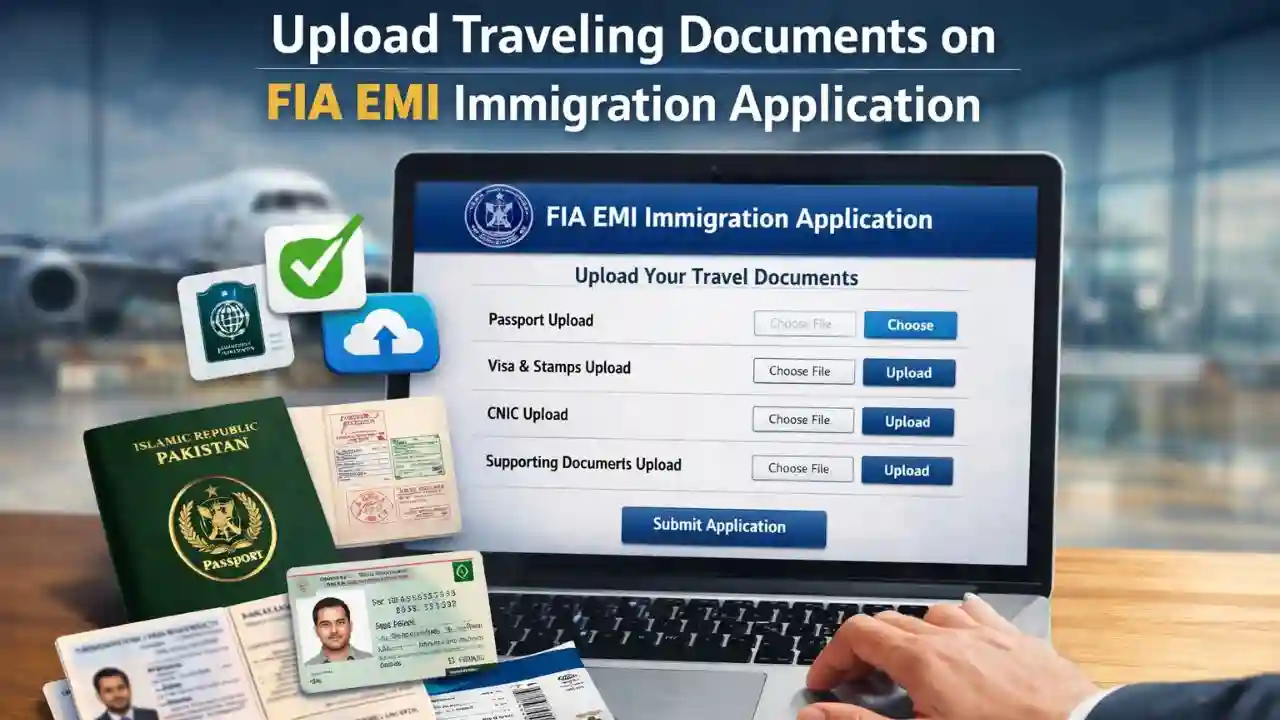
FIA EMI Immigration Application can feel confusing, especially when it comes to uploading travel documents correctly. Many applicants face delays, rejections, or repeated corrections simply because documents are not uploaded in the proper format or section.
This detailed guide explains how to upload traveling documents on the FIA EMI Immigration Application, what documents are required, common mistakes to avoid, and practical tips to ensure your application is processed smoothly. Whether you are applying for immigration clearance, travel history verification, or related services, this article will help you complete the document upload step with confidence.
Understanding the FIA EMI Immigration Application System
The FIA EMI Immigration Application is an online platform managed by Federal Investigation Agency to digitize immigration-related services. EMI stands for Emigration & Immigration, and the system allows applicants to submit forms, upload documents, and track application status without visiting offices repeatedly.
Uploading correct travel documents is one of the most critical steps because these documents verify your identity, travel history, and eligibility.

Why Uploading Traveling Documents Correctly Is Important
Incorrect or incomplete uploads can cause serious issues, including:
- Application rejection
- Delays in processing
- Requests for re-submission
- Verification problems at later stages
Traveling documents are used to confirm:
- Your identity
- Your travel history
- Entry and exit records
- Compliance with immigration rules
That is why uploading them properly on the FIA EMI Immigration Application is essential.

List of Traveling Documents Required for FIA EMI Immigration Application
Before starting the upload process, make sure you have the following documents ready:
1. Passport (Mandatory)
- First page with personal details
- Last page (if applicable)
- Clear scan with readable MRZ (machine-readable zone)
2. Visa Pages
- Valid visa pages for countries visited
- Entry and exit stamps clearly visible
3. Travel History Pages
- Pages showing immigration stamps
- Old passports (if travel history is split)
4. CNIC or National Identity Card
- Front and back sides
- Must match passport details
5. Supporting Travel Documents (If Required)
- Airline tickets
- Boarding passes
- Entry permits
Always check your specific application type, as requirements may slightly vary.

How to Upload Traveling Documents on FIA EMI Immigration Application – Step-by-Step Process
Step 1: Access the FIA EMI Immigration Portal
Open the official FIA EMI Immigration Application portal using a secure internet connection. Avoid public Wi-Fi when uploading sensitive documents.
Step 2: Create or Log In to Your Account
- Enter your registered email and password
- If new, complete the registration process
- Verify your account through OTP or email confirmation
Step 3: Start a New Application
- Select the relevant immigration or travel-related service
- Fill in personal and passport details carefully
- Ensure spelling matches your passport exactly
Step 4: Navigate to the Document Upload Section
Once personal details are completed, the system will redirect you to the “Upload Documents” section. This is where traveling documents must be uploaded.
Step 5: Upload Passport Pages
- Upload passport bio-data page first
- Upload visa and stamp pages separately if required
- Ensure images are upright, not rotated
Step 6: Upload Travel History Documents
- Combine related pages into a single PDF if allowed
- Maintain chronological order
- Avoid uploading unnecessary blank pages
Step 7: Upload CNIC and Supporting Documents
- Upload front and back of CNIC
- Upload any additional travel evidence if requested
Step 8: Review Uploaded Documents
Before submission:
- Reopen each uploaded file
- Check clarity and completeness
- Confirm correct document is uploaded in the correct section
Step 9: Submit the Application
Once verified:
- Click submit
- Note down application or tracking number
- Download acknowledgment if available

Document Format and Size Requirements
To avoid upload errors, follow these standard guidelines:
- Accepted formats: PDF, JPG, PNG
- Maximum file size: Usually 1–2 MB per file
- Resolution: Clear but not oversized
- Naming: Simple names like
Passport_Page1.pdf
Avoid screenshots with poor quality or cropped edges.
Common Mistakes to Avoid While Uploading Traveling Documents
Many applicants face rejection due to simple mistakes. Avoid the following:
- Uploading blurred or dark images
- Cropping important passport details
- Uploading wrong documents in wrong sections
- Submitting expired passport pages
- Using incorrect file formats
- Uploading incomplete travel history
Always double-check before final submission.
Tips for Faster Approval on FIA EMI Immigration Application
- Use a scanner instead of mobile camera
- Combine related pages logically
- Upload only required documents
- Ensure passport and CNIC details match exactly
- Submit during off-peak hours for smoother upload
Careful preparation can save weeks of delay.
What Happens After Uploading Traveling Documents?
After submission:
- Your documents go through verification
- Status may show “Under Review”
- Additional documents may be requested
- Final approval or rejection is notified online
Processing time varies depending on application type and workload.
Frequently Asked Questions (FAQs)
1. Can I upload mobile phone photos of passport pages?
Yes, but only if images are clear, well-lit, and readable. Scanned documents are always preferred.
2. What if my travel history is in an old passport?
You should upload scanned pages of the old passport showing travel history along with your current passport.
3. Can I edit documents after submission?
Usually no. You may only edit if the system allows corrections or if FIA requests re-submission.
4. What file format is best for uploading?
PDF is recommended because it keeps multiple pages organized and clear.
5. Why was my application rejected despite uploading documents?
Common reasons include unclear images, mismatched details, missing pages, or uploading wrong documents.
Final Thoughts
Uploading traveling documents on the FIA EMI Immigration Application is a critical step that directly affects your application outcome. By following the correct upload process, maintaining document clarity, and avoiding common mistakes, you significantly increase your chances of smooth and timely approval.
Take your time, review every upload carefully, and treat document submission as seriously as filling out the application itself.