PTA Mobile Registration Online Check 2026 – Complete Guide for Pakistan
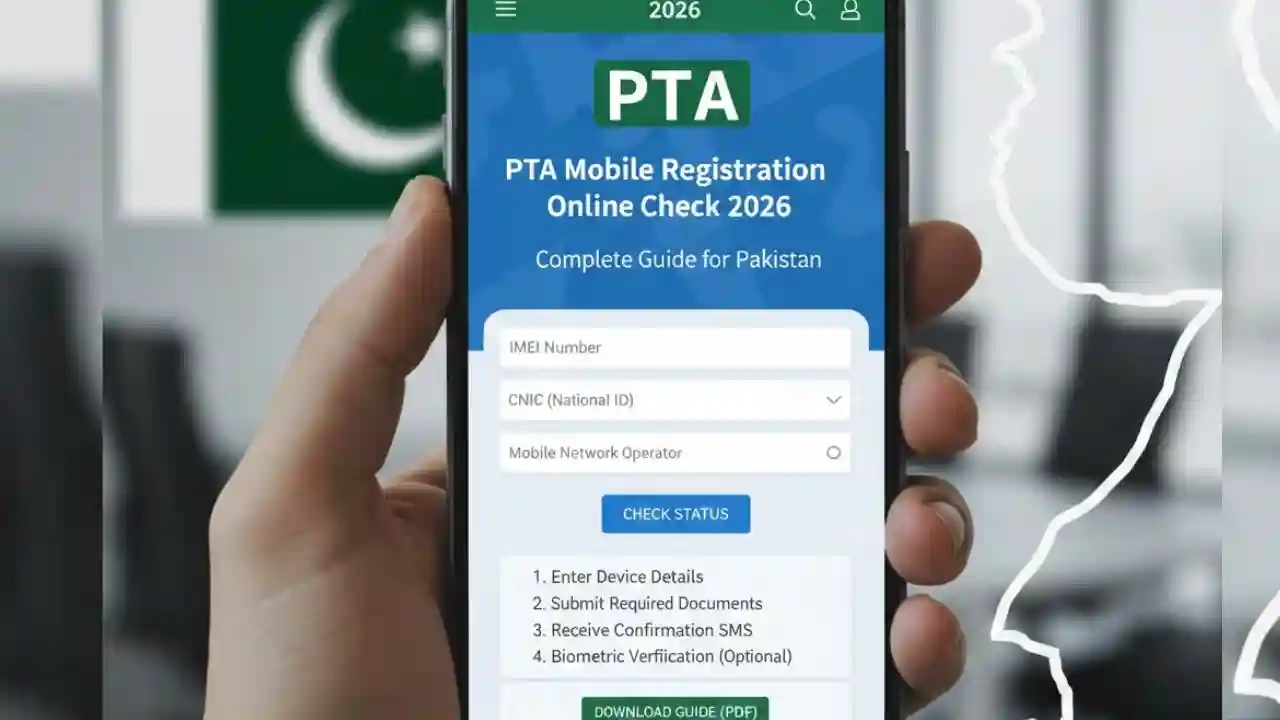
PTA Mobile Registration Online Check, mobile phone users are required by law to register their devices with the Pakistan Telecommunication Authority (PTA) to ensure that only legal and genuine devices are used in the country. Failure to register your phone can result in blocked services, fines, or even a restricted network connection.
This article provides a detailed guide on PTA Mobile Registration Online Check, including step-by-step instructions, eligibility, FAQs, and tips to make the process easy and hassle-free in 2026.
What is PTA Mobile Registration?
PTA Mobile Registration is the official process mandated by the Pakistan Telecommunication Authority (PTA) to track and regulate mobile devices in Pakistan. Every mobile phone brought into the country, whether purchased locally or imported, must be registered with PTA.
The main goals of PTA Mobile Registration include:
- Preventing smuggled or illegal mobile phones from being used.
- Protecting users from counterfeit devices.
- Ensuring national security and lawful telecommunication.
- Facilitating legal tracking of devices in case of theft or loss.

Why is PTA Mobile Registration Important?
Using an unregistered mobile phone in Pakistan can lead to network blockage. The PTA tracks mobile devices using their IMEI number, which is unique for every device. Once a phone is blocked, it cannot access mobile networks in Pakistan.
Some key benefits of registering your mobile device include:
- Legal access to all mobile networks in Pakistan.
- Avoiding fines or penalties from PTA.
- Peace of mind knowing your phone is genuine and secure.
- Easy reselling of devices within Pakistan.

How to Check PTA Mobile Registration Online
PTA has made it convenient for users to check the registration status of their mobile devices online. Follow these steps for PTA Mobile Registration Online Check:
Step 1: Find Your IMEI Number
- Dial
*#06#on your mobile phone to get your IMEI number. - Write down the 15-digit IMEI carefully.
Step 2: Visit the PTA DIRBS Website
- Go to the official DIRBS PTA Portal.
- DIRBS stands for Device Identification Registration and Blocking System, which is PTA’s official online system for device registration.
Step 3: Enter Your IMEI
- On the DIRBS portal, enter your IMEI number in the search box.
- Click on the Submit or Check button.
Step 4: Check Registration Status
- If your device is registered, you will see a confirmation stating “Device is registered with PTA”.
- If it is not registered, the portal will show instructions for PTA Mobile Registration.

PTA Mobile Registration Process Online
If your phone is not registered, you can complete the process online. Here’s a step-by-step guide:
- Register on DIRBS Portal:
- Create an account on the DIRBS portal using your CNIC, email, and mobile number.
- Submit Device Information:
- Enter device details, including IMEI number, brand, model, and purchase invoice.
- Pay Applicable Fees:
- PTA charges a fee for registration, depending on the type of mobile device. Payment can be made online using EasyPaisa, JazzCash, or Bank Transfer.
- Confirmation:
- Once payment is verified, your device will be officially registered.
- You will receive a confirmation via SMS or email.

PTA Mobile Registration for Imported Phones
Many Pakistanis bring phones from abroad. Imported phones must also be registered to avoid network blockage.
- Devices brought for personal use can be registered for free if within the allowable quantity.
- Multiple imported devices or commercial imports may require a custom duty fee in addition to registration fees.
It is crucial to complete PTA Mobile Registration within 60 days of bringing the device into Pakistan.
How to Check PTA Registration Using SMS
Apart from online methods, PTA also provides SMS-based verification:
- Open your mobile messaging app.
- Type your IMEI number.
- Send it to 8484.
- You will receive an SMS confirming whether your device is registered or unregistered.
This method is simple and helpful for users without internet access.
Common Issues During PTA Mobile Registration
While the registration process is straightforward, some users may face challenges:
- IMEI not found: Ensure the IMEI is entered correctly using
*#06#. - Device already registered in another country: Some imported devices require additional verification.
- Payment issues: Use verified banking channels for PTA fee payments.
If problems persist, users can contact PTA helpline 0800-55055 or visit the nearest PTA office.
FAQs About PTA Mobile Registration
Q1: Is PTA registration mandatory for all phones in Pakistan?
A1: Yes, every mobile phone used in Pakistan must be registered with PTA to avoid network blockage.
Q2: How can I check if my mobile is PTA approved?
A2: You can check online via the DIRBS PTA portal or by sending your IMEI to 8484 via SMS.
Q3: What happens if I use an unregistered phone?
A3: Your device may be blocked, making it impossible to use mobile services like calls, SMS, or internet.
Q4: Can I register multiple phones under one CNIC?
A4: Yes, but PTA allows a limited number of devices per individual for personal use.
Q5: Is there a fee for registering a phone?
A5: Registration of locally purchased devices may be free, but imported phones often require a fee.
Q6: How long does online registration take?
A6: Typically, registration is completed within 24–48 hours after payment verification.
Tips for Smooth PTA Mobile Registration
- Always check IMEI number before starting registration.
- Use official PTA channels like DIRBS portal or PTA helpline.
- Keep purchase invoices for imported devices handy.
- Complete registration before 60 days to avoid network blockage.
- Avoid third-party services claiming to register phones outside PTA.
Conclusion
The PTA Mobile Registration Online Check is essential for all mobile users in Pakistan. By following the steps mentioned above, you can ensure that your phone is legally registered and fully functional on Pakistani networks. Remember, using unregistered phones may lead to serious issues, including device blockage and fines. Always stay updated with PTA’s latest rules and complete the registration process in time to enjoy uninterrupted mobile services.